


- Your cart is currently empty.
3 Most Common Website Attacks: How to Protect Yourself
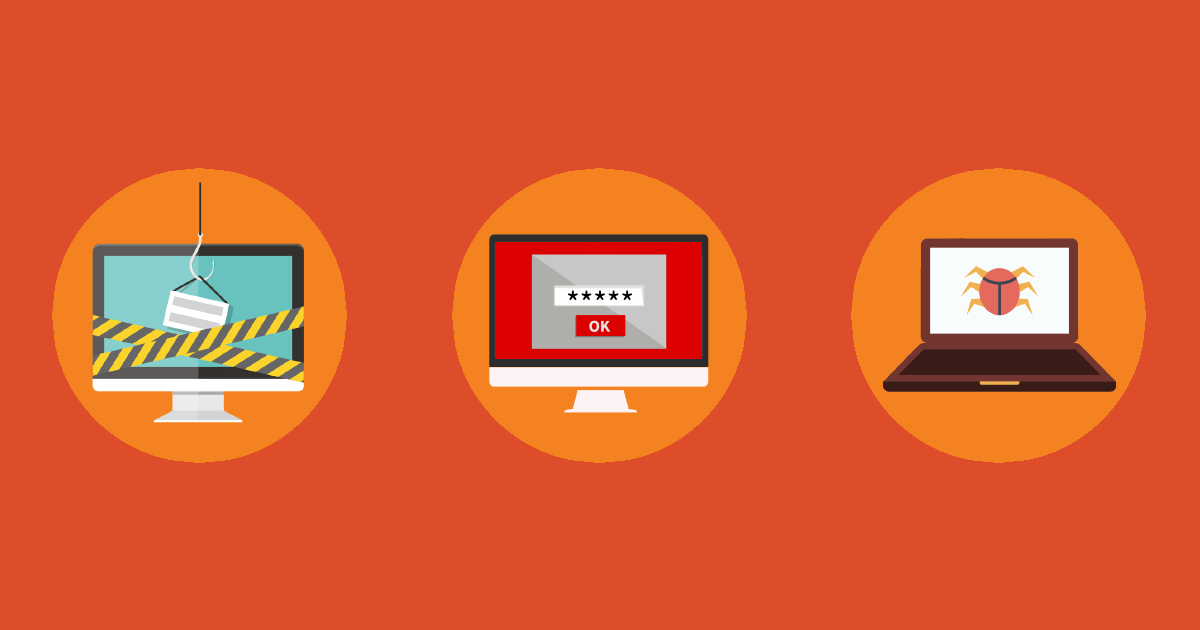

If you have your own website, there is a chance that it could be the victim of a cyber-attack. We strongly recommend that you check the three most common types of online attacks so that you can protect yourself. You could be left without your customer base or all your stored documents. In the worst case scenario, you could even lose your website or shop.
1. Attacking unmaintained websites
As many as 98% of attacks happen because a website is not properly updated and protected. This makes it easier for attackers to break in and abuse the site. Most of the targets of attacks are open source and un-updated scripts such as WordPress, Joomla, PrestaShop, etc. Usually, the attack is carried out via plugins or graphical templates (themes).
Facts about attacks on unmaintained websites:
- If a particular plugin is not up-to-date, it may represent a security hole that can be exploited by an attacker,
- outdated sites are more attractive to attackers because they do not use the latest security settings.
Change your administration path, default username and set a strong password. Most attacks are launched against the default administrative settings. We also recommend adding password protection to your administration folder.
2. Stolen password
If your computer becomes the target of a virus, the stored accesses in your browser can quickly lead to the theft of access data and the spread of the virus to your hosting package. The password can be stolen from a web browser, FTP program, email client, website or elsewhere.
Facts about stored access data attacks:
- Most people still use inappropriate passwords such as 12345, aaaaaaa, password123, etc,
- using one password for different access points (email, Facebook, online banking),
- use of the default name Admin or Administrator.
Do not use your web browser’s automatic password storage and change your passwords regularly. Always create a strong password made up of upper and lower case letters, numbers and special characters. You can also use password generators to help you do this.
3. Virus on your computer
Computer viruses, internet worms and Trojan horses are among the most common online attacks. A group of these attacks are called malware.
Signs that your computer is under attack:
- Firewall and anti-virus protection are deactivated,
- unknown web pages open in your browser when you start up,
- your computer slows down,
- the internet slows down,
- some files have disappeared.
If you notice any of these signs on your computer, we recommend that you check your computer as soon as possible with an up-to-date anti-virus programme. There are also free online tools that can be used to scan your computer and remove viruses.
Reasons for attacking a website
An intrusion gives the attacker control of your website and you are at his mercy. Possible reasons for an attack:
- The attacker is just bragging that he hacked your system,
- stealing your e-mail address database and sending spam to your customers,
- stealing your website and redirecting visitors to their own site to misuse data and steal money (phishing),
- can extract all your customers’ contact details from your database,
- delete all your data.
Website Hacked? Here’s What to Do Next
- First, you should contact your hosting provider to check whether the server has been hacked. We also do regular back-ups so that if your site is hacked, we can restore it to its pre-virus state. It is important that you report the problem as soon as possible, while the restore to the previous state is still possible.
- The provider will try to locate the malicious file or virus and remove it on the server.
- In most cases, the malicious code is in the last modified files. Sort them by last modified and remove those that are suspicious. This is another reason why it is important to deal with an intrusion as soon as possible.
Often malicious code appears in the ”.htaccess” file. Also check your graphical template (theme) or plug-in files. - Once the problem has been fixed, change the passwords for your control panel, website administration and e-mail accounts.
We recommend that you also report the intrusion to the SI-CERT Network Incident Centre.
How to avoid further intrusions?
The best way to protect your website is to do it yourself. Update your site and its elements regularly, and your hosting provider will take care of security at server level.
You can also check whether your website may be infected with a virus at https://sitecheck.sucuri.net/.
COMMENT THE POST
Your comment has been successfully submitted
The comment will be visible on the page when our moderators approve it.