


- Your cart is currently empty.
Critical Vulnerability in WordPress File Manager Plugin
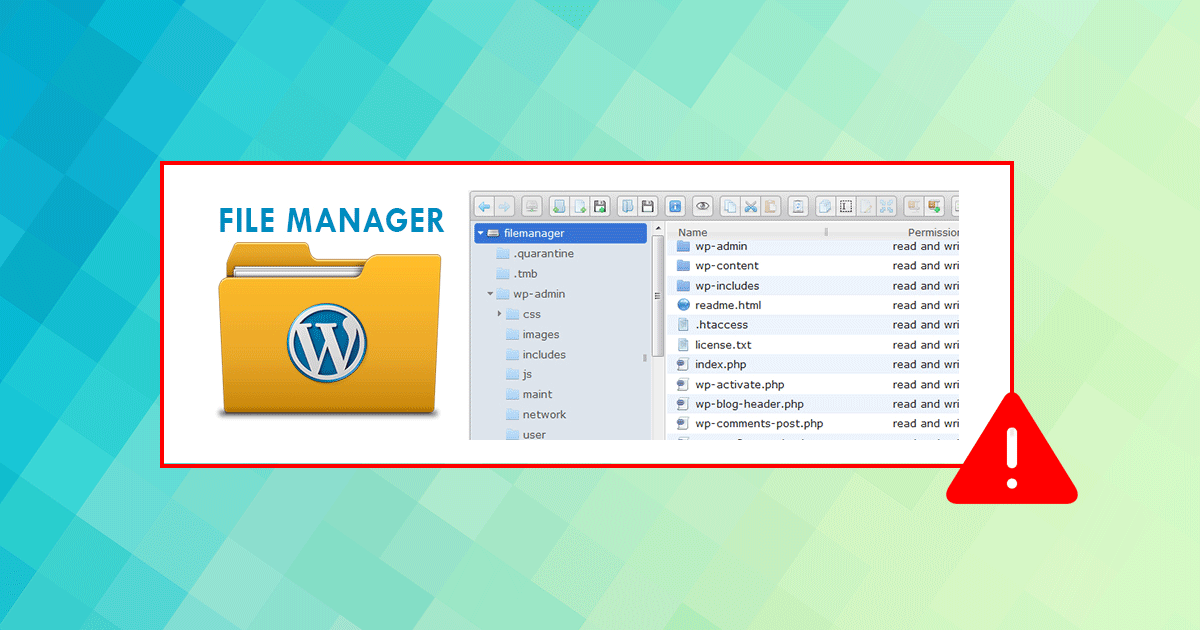

If you are using the File Manager plugin on your WordPress website, make sure you have at least version 6.9 installed.Read on to find out what can happen if you are using an older version?
File Manager plugin
The main advantage of the File Manager plugin is that it allows you to edit, delete and upload files and folders directly in the WordPress administration, without having to log in to the Control Panel. The plugin offers a number of other benefits that save time and make working with WordPress easier. These benefits make it a popular plugin, with more than 700,000 installations.
Why was there a critical error with the File Manager plugin?
A vulnerability in this plugin was discovered in version 6.4, when files were left in the plugin that were only for testing purposes and were not properly protected. The security hole allows unauthorised users to execute commands and upload malicious files to a website using any of the plugin versions 6.4 – 6.8.
This critical vulnerability was discovered by the Wordfence – Threat Intelligence plugin security team on 01 September 2020.
If you use Wordfence or Securi Security then your site is protected, regardless of which version of the File Manager plugin you use.
How to fix the Critical Vulnerability of the File Manager Plugin?
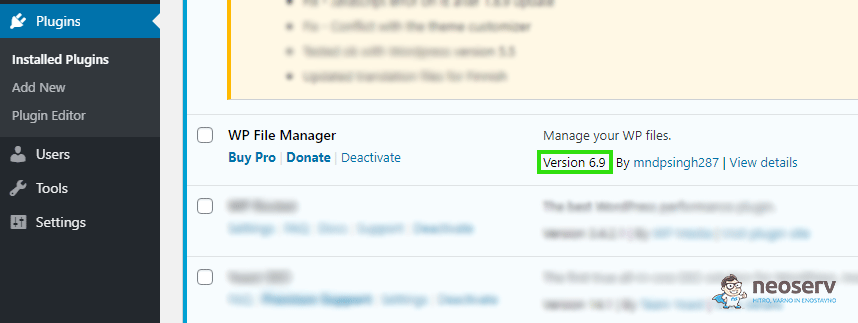
Even if you are using one of the security plugins, we advise you to update the File Manager plugin to version 6.9 or later.
Click on Plugins-> Installed Plugins in the menu.
Next to the WP File Manager plugin, click on Update Plugin.
COMMENT THE POST
Your comment has been successfully submitted
The comment will be visible on the page when our moderators approve it.