- Your cart is currently empty.
Case Study: Matejinkatarina.com
The loading speed of the website Matejinkatarina.com has improved by 74.89%.

The opinions of many satisfied NEOSERV service subscribers also reached Matej and Katarina, who are photographers. It didn't take long for them to decide to transfer their website to us. They agreed to let us conduct a case study based on their website.
We first performed a speed test before the actual transfer of the website when it was hosted on the old provider's server. We repeated the test immediately after the migration to our server, and then again after basic speed optimization. Now the website operates 74.89% faster.
WEBSITE SPEED OPTIMIZATION PROCESS
ABOUT THE WEBSITE
Matejinkatarina.com is a website that was launched at the end of 2014.
Matej and Katarina are passionate photographers who want to capture the most beautiful and important moments of life through their lenses. They began working with fashion and portrait photography in 2008, and a few years ago, they ventured into wedding photography. With their unique style, they quickly realized that wedding photography is what makes them happy and what they want to excel in.
On their wedding photos, you can see a vintage and rustic touch, and their colors are soft, gentle, in pastel shades. Top-notch equipment, rich experience, and exceptional talent allow them to capture unforgettable moments and turn them into timeless memories.
We invite you to visit their website and view the beautiful wedding photographs. If you are looking for a photographer for your wedding, Matej and Katarina will surely respond to your inquiry with pleasure.
MATEJINKATARINA.COM
Visit their website by clicking on the link below.
1. SPEED AT THE OLD PROVIDER
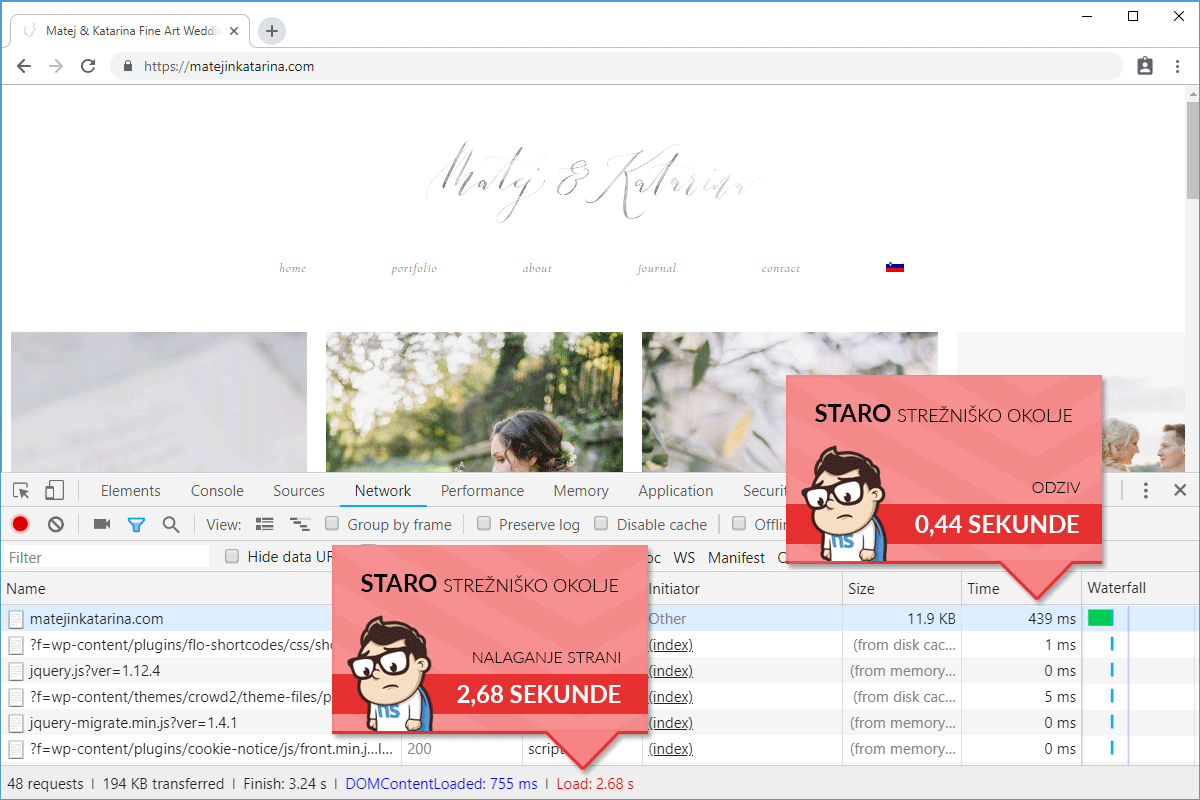
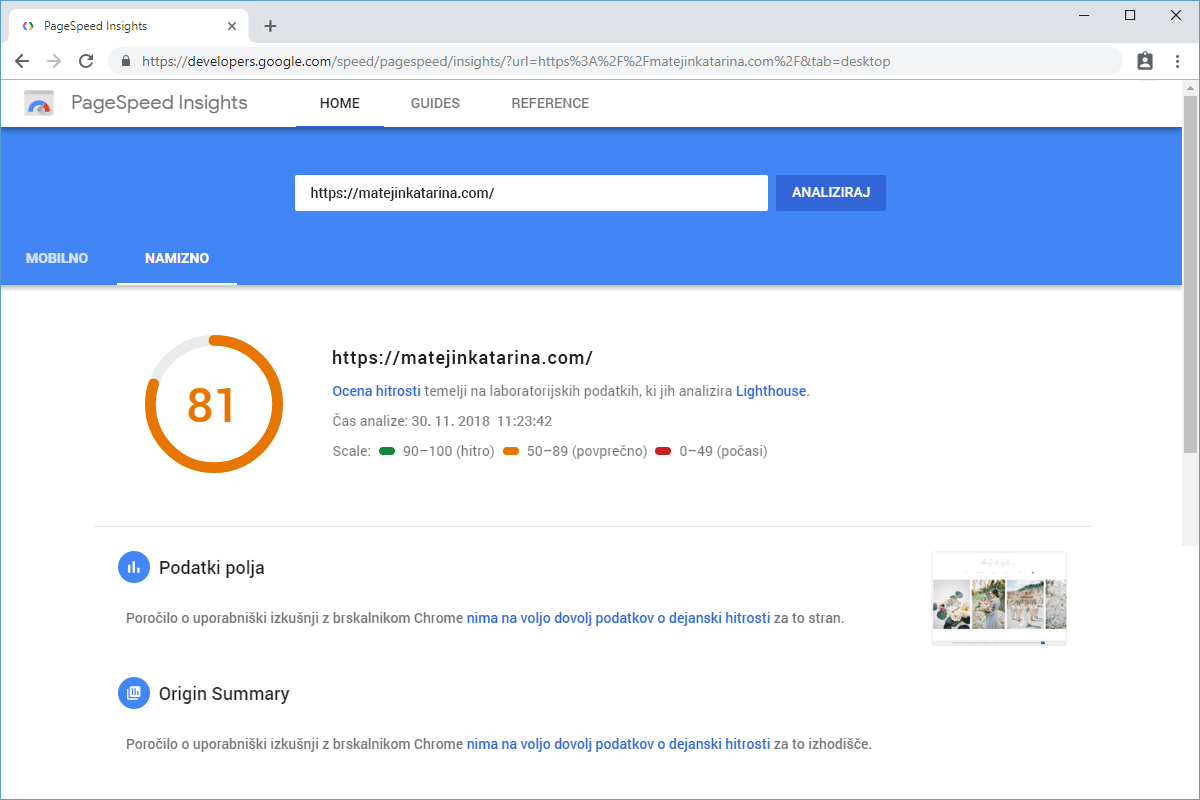
Before we started migrating the site to our server, we checked how fast the website was operating on the old provider's server. The test with Google Chrome DevTools showed that the website needed 439 milliseconds for the first request and 2.68 seconds for the full display of the homepage. The caching plugin was already installed at this stage, but we were convinced that we could still significantly improve the result.
- Time of the first request: 439 ms
- Website loading time: 2.68 s
2. SPEED IMMEDIATELY AFTER TRANSFER
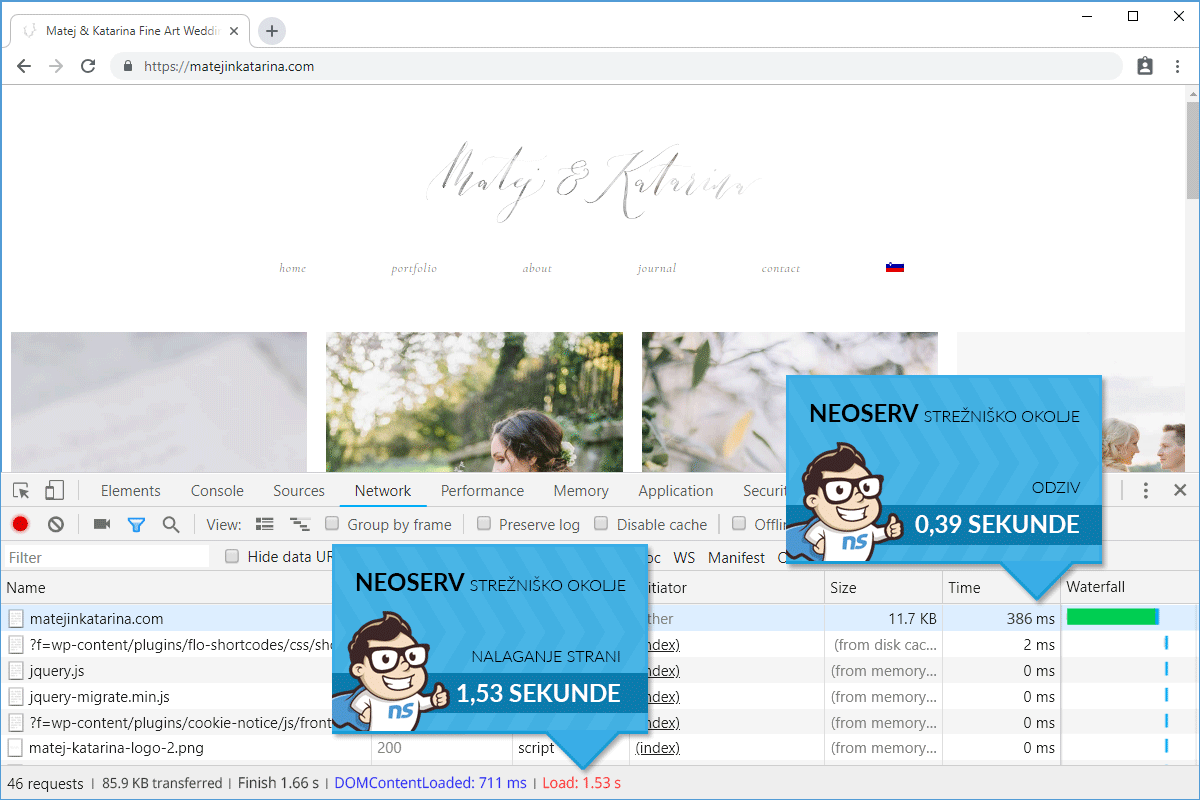
In this step, we had not yet performed basic optimization of the website's speed performance. Nevertheless, there was an immediate improvement in speed after transferring the website from the old provider to the NEOSERV server. Loading the homepage of the website after migration took 1.53 seconds, which meant a 42.91% improvement. The time of the first request was also slightly lower than before the transfer.
- Time of the first request: 386 ms
- Website loading time: 1.53 s
3. SPEED AFTER NEOSERV OPTIMIZATION
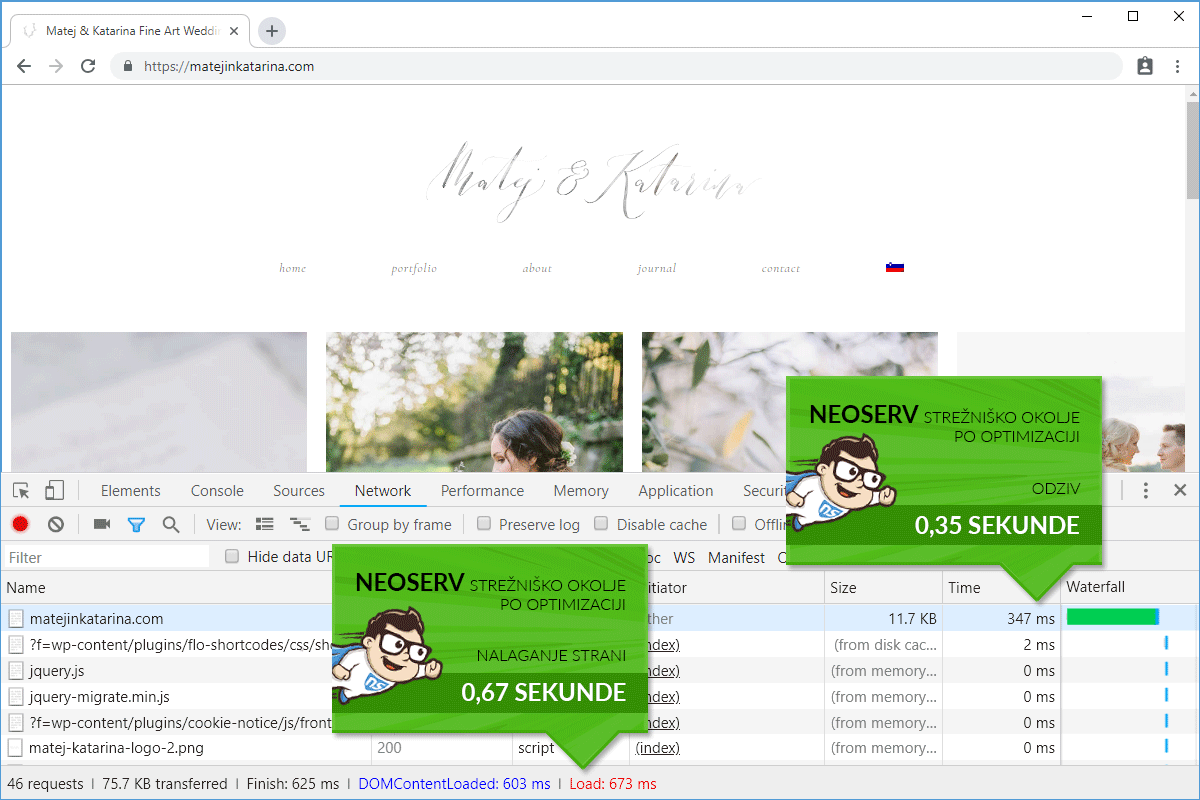
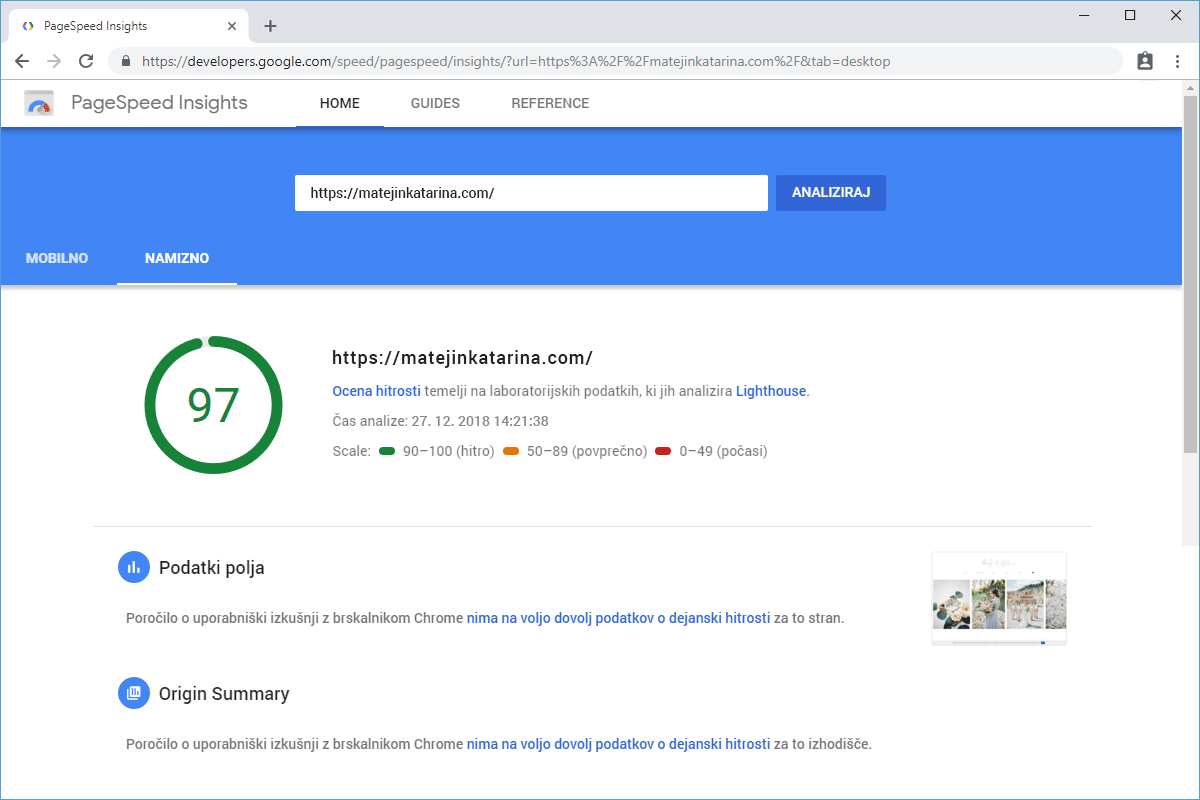
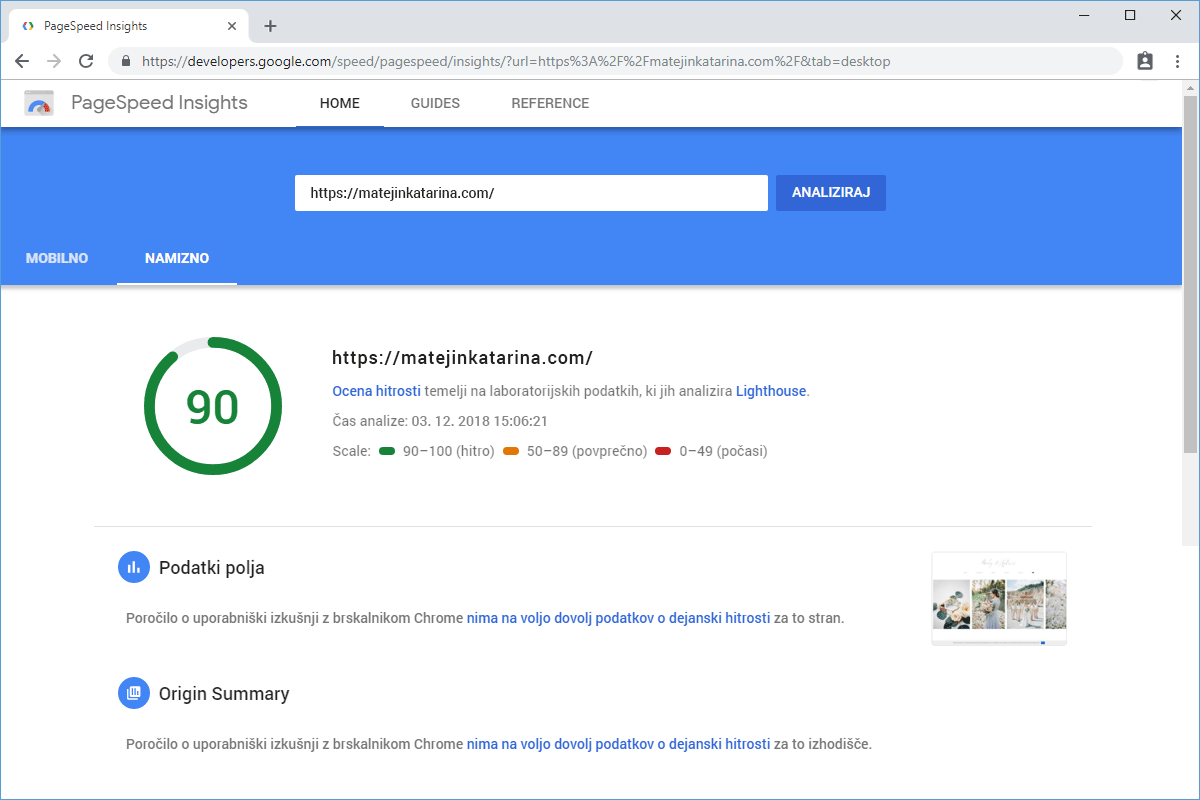
We performed basic optimization of the website's speed. On the hosting package, we activated a newer PHP version and took care of caching at the PHP level (opcache). Instead of the W3 Total Cache plugin, we used WP Super Cache. We also compressed images in a way that does not affect the quality, as we understand that flawless images are crucial for wedding photography. With the speed optimization, we achieved a 74.89% improvement in website loading speed compared to the original state.
- Time of the first request: 347 ms
- Website loading time: 673 ms