- Your cart is currently empty.
Case Study: Rozle-tea.com
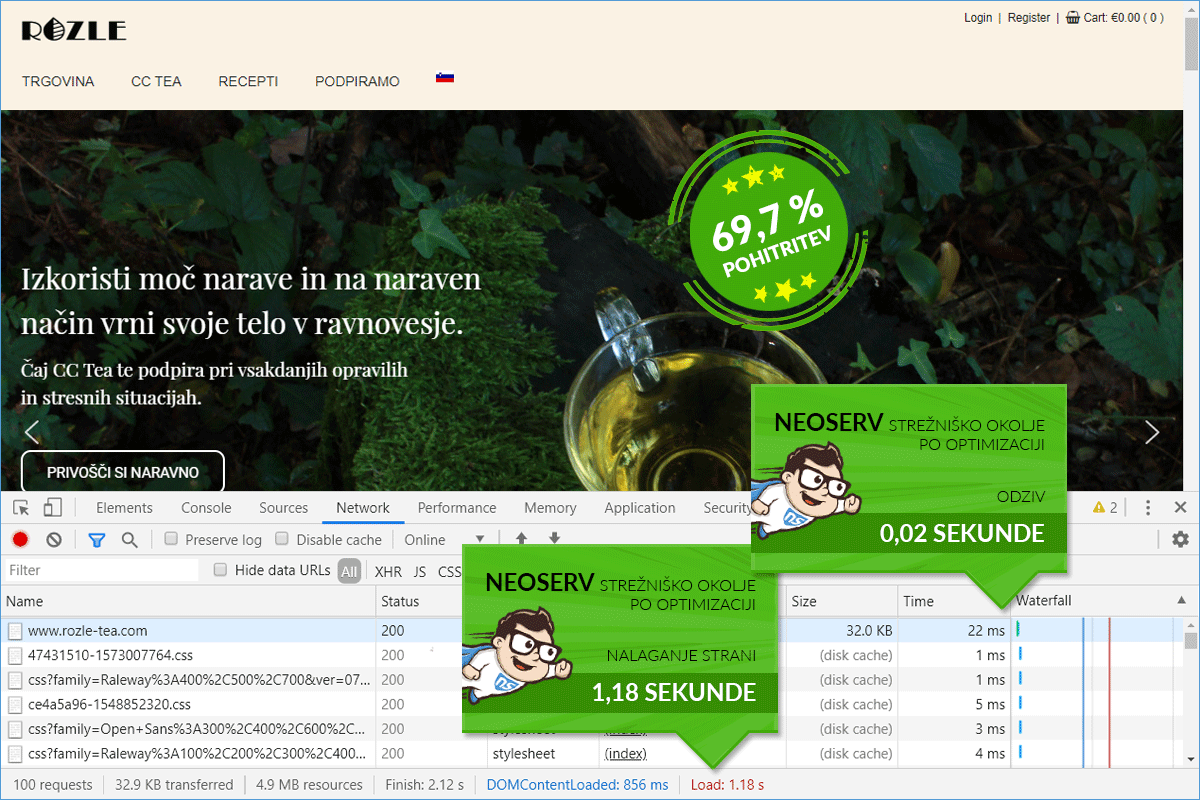
The loading speed of the Rozle-tea.com online store improved by 69.74%.

Today's case study is divided into two parts: before speed optimization and after optimization. The Rozle-tea.com online store has been hosted on our servers for several years, which means that this study did not involve transferring the site from another provider to us, but rather an upgrade of the hosting package and speed optimization. With these measures, we accelerated the online store by 69.74%.
Before the start of optimization, the Rozle-tea.com online store was hosted on the Green package. Mainly due to the use of the WPML plugin, which requires a considerable amount of server resources, it was necessary to switch to the more powerful Blue package. Before the switch, the store's homepage opened to visitors in almost 4 seconds, but after changing the package and performing optimization, it opened in just over a second.
ONLINE STORE SPEED OPTIMIZATION PROCESS
ABOUT THE ONLINE STORE
The Rozle-tea.com online store is managed by the family company ROŽLE d.o.o. from Horjul. It is focused on the distribution of CC Tea.
CC Tea is a premium collection of lemongrass tea Cymbopogon Citratus, brought directly from an organic plantation in India. It is 100% high-quality lemongrass that gives the tea a delicate yet full citrus flavor.
In the Rožle Tea online store, natural herbal lemongrass tea is available in various packaging. You can choose between packaging in leaves (50 g, 100 g, 200 g) and filter bags (30 bags, 100 bags). If you check the offer online, you will also find a beautifully designed metal container for storing tea.
Try the unique lemongrass tea from Manipur, India, where it is still used for therapeutic purposes today. Otherwise, this caffeine-free tea, rich in vitamin C, calcium, and iron, is an excellent coffee substitute.
ROZLE-TEA.COM
Visit the online store by clicking the link below.
1. SPEED BEFORE OPTIMIZATION
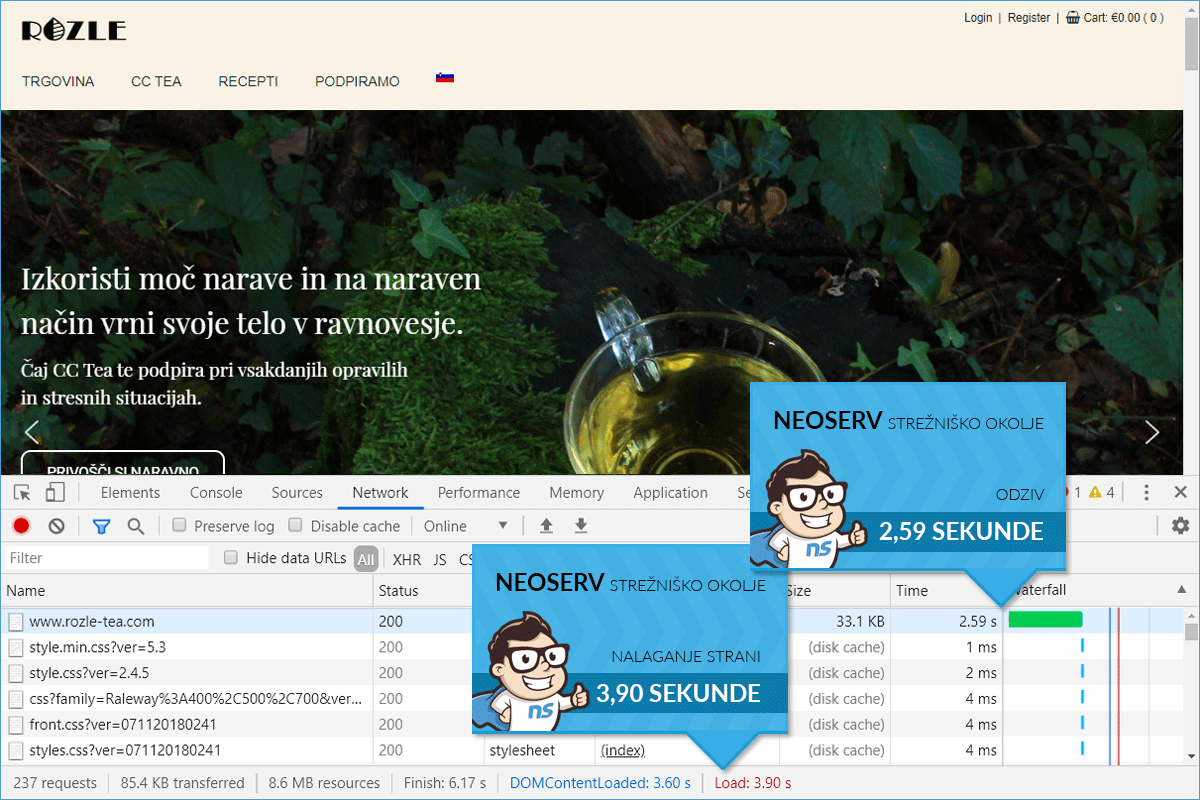
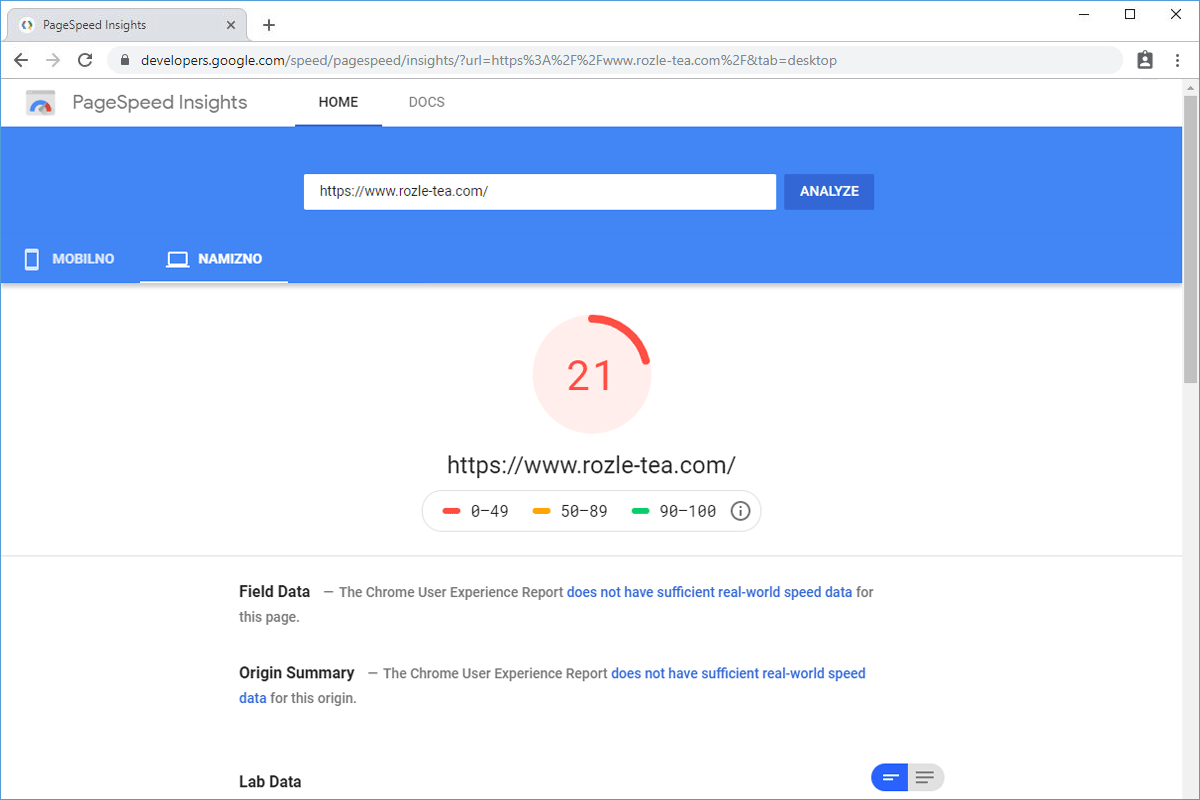
Before transferring the hosting package to a more powerful one, the loading time of the online store was 3.90 seconds. A significant portion of the total loading time was the time to the first byte (TTFB), which was as much as 2.59 seconds. Since the online store was not properly speed optimized, the PageSpeed Insights score was also low (21). The WPML multilingual WordPress plugin contributed significantly to the store not operating at its fastest at this time.
- Time of the first request: 2.59 s
- Loading time of the web page: 3.90 s
2. SPEED AFTER OPTIMIZATION
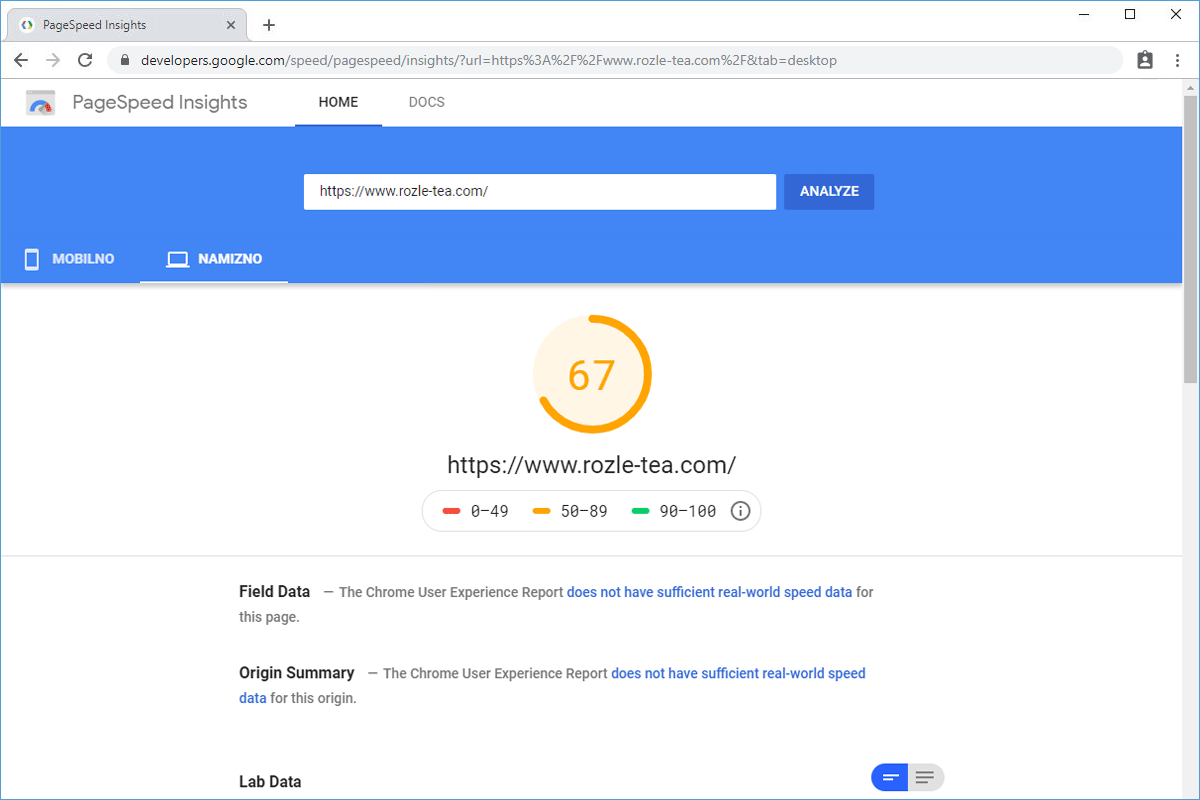
Before we started with speed optimization, we transferred the Rozle-tea.com online store to a more powerful shared hosting package. Then the optimization itself followed, which included six steps: activation of the OPcache PHP extension at the hosting package level, installation of a caching plugin, installation of a plugin for merging and minifying CSS/JS files, use of a plugin for on-the-fly image loading, entry of a directive for gzip compression in the .htaccess file, and optimization of all images. With these measures, we reduced the total loading time of the online store by 69.74%.
- Time of the first request: 22 ms
- Loading time of the web page: 1.18 s