


- Your cart is currently empty.
My Email Account Was Compromised: What to Do Next
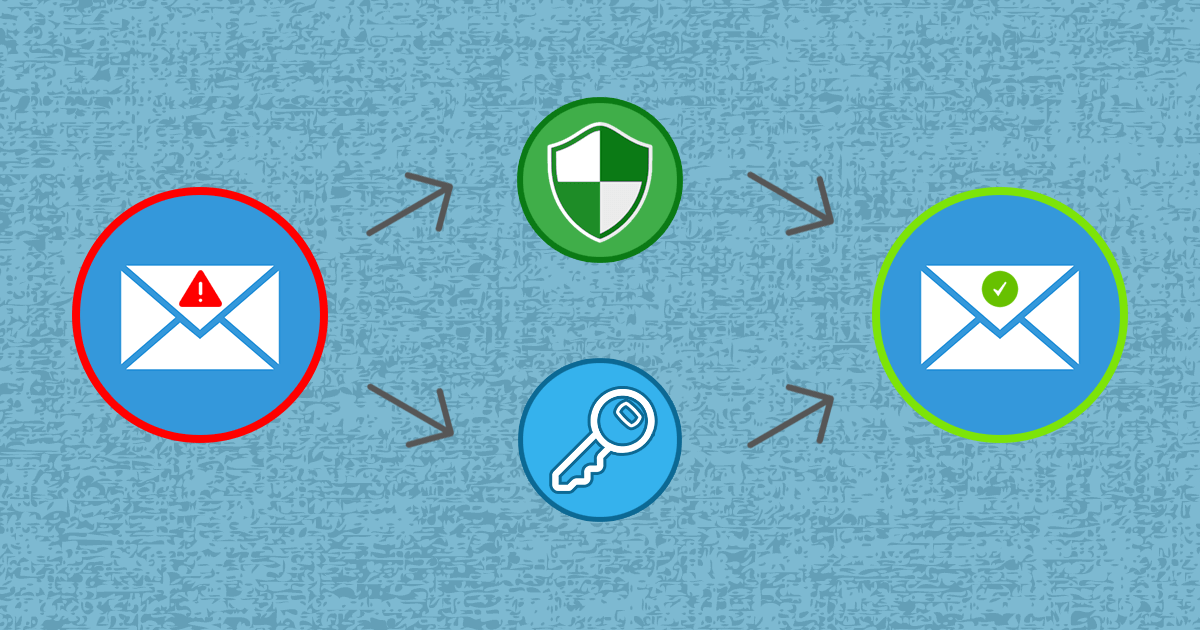

Have friends informed you that they have been sent messages from your email account with suspicious attachments or links to even more suspicious websites? If you have web hosting with us, we’re the ones who notified you, because our security system “NEOSERV Anti-Spam Protection” keeps a 24-hour-a-day watch on your server and alerts you immediately if there are any problems.
When the security system detects malicious activity, we immediately check to see what exactly the problem is. Often, we find that it is a misused email inbox that is sending or forwarding a large volume of SPAM messages. This type of spamming is typical in situations where a virus is present on one of the devices accessing your hosting package. The problem is therefore not related to the server, but to the security of the devices (computer, phone, tablet) that have access to the malicious email inbox.
Misuse of an email inbox is most often caused by a stolen password. A password can be stolen for:
- A web virus that is installed on a computer or other device due to an operating system that is not up-to-date (e.g. Windows),
- an un-updated anti-virus program,
- installation of a program obtained from a “torrent” site,
- a weak password set to use email,
- using the same password for different online services,
- using an unsecured/unverified internet connection (e.g. public WiFi hotspot) over an unsecured (non-SSL) connection,
- or you have been the victim of phishing.
- Your password doesn’t have to have been stolen recently! It’s entirely possible that the virus on your device and the theft of your password happened weeks or even months ago, and the attacker has just now used your password.
- It is also not necessarily the case that the unfortunate situation occurred on a home device. You may have been connected to a public (unsecured) network, e.g. at a library, or you may have been using a public computer that had a virus installed.
Spam forwarder or email filter
In some cases, a web virus may create a spam forwarder or an email filter as a result of misuse. It may look legitimate, but it is created solely to forward unwanted emails.
If such a SPAM forwarder has also been created in your email inbox, follow the steps below to prevent further spam.
What should I do when my email inbox is being misused?
If you have been informed that your email inbox has been misused, follow the three steps below.
1. Make sure your devices are secure. Scan your devices (computer, phone, tablet) as soon as possible with an antivirus programme and remove any viruses, trojans, worms and other malware. If you have Windows 8 or 10, use Windows Defender, otherwise we recommend the following free programs: AVG Free, Avast, Microsoft Security Essentials. Keep your antivirus programs up-to-date and your operating system up-to-date.
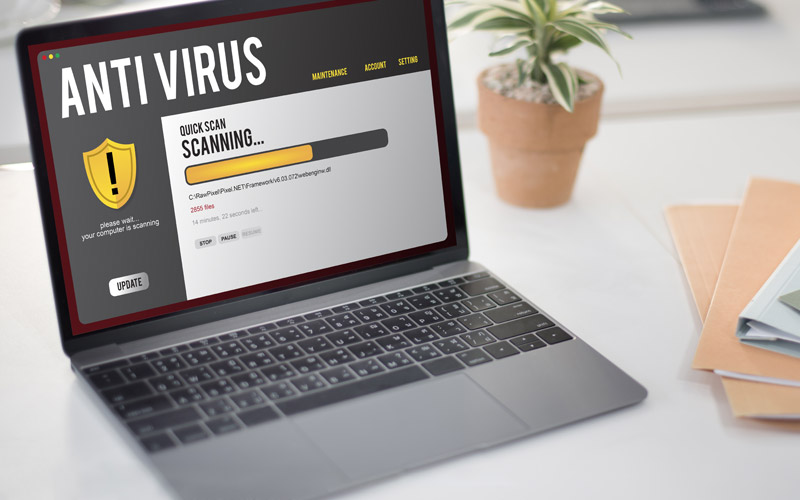
Be careful when using the Internet, as you can quickly find yourself on a malicious site and give your details, usernames and passwords to the wrong person. Also be careful when opening attachments of suspicious emails and clicking on web links.
2. Change your email password. Once you have cleaned your devices of viruses, change the password to access your email inbox. Do not use simple passwords, such as people’s or pets’ names, dates of birth, etc. Your password should be strong – at least 12 characters long, made up of upper and lower case letters, numbers and special characters ($, %, &, _, #, …). To find out how to change your email password, see our Support Centre post.
Do you use the password you have set up to access the misused email account for any other services? If so, it is important that you change your password there as soon as possible. Use different passwords and change them regularly!
3. Report that your email inbox has been misused. When you receive an email from someone you know, you are much more likely to open an attachment or click on a web link. Inform everyone in your contact list about the possibility of a malicious email and warn them not to open suspicious attachments or click on links. Take responsibility and stop the spread of the virus as soon as possible.
COMMENT THE POST
Your comment has been successfully submitted
The comment will be visible on the page when our moderators approve it.