


- Your cart is currently empty.
How to Add a Sitemap in Google Search Console


Adding a sitemap is one of the first things you should do when you connect your website to Google Search Console. A sitemap is most commonly an XML file that contains the URLs of all the subpages that make up your website, making it easier for search engines to navigate your site. This also makes all your subpages more visible to search engines such as Google.si.
In addition to URLs, a sitemap can also contain other information, such as when content was last updated, how many images are on each subpage and how important it is ( Priority). This information helps search engines to determine when or how often their web spiders should visit a website and its subpages.
If you use WordPress, you can create a sitemap (sitemap.xml) using a plugin – we recommend using Yoast SEO or Google XML Sitemaps. Otherwise, you can also use XML-Sitemaps.com to help you create your sitemap.
Adding a sitemap
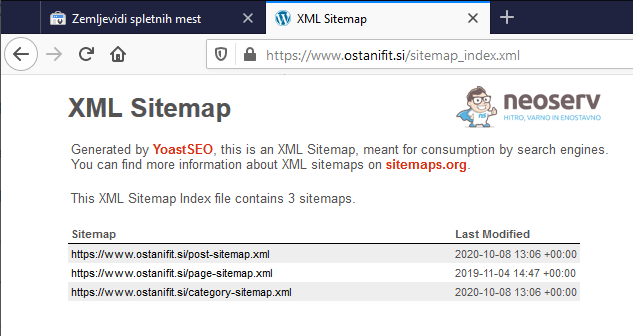
1. If you don’t already have a sitemap, you’ll need to create one first. In the image below you can see what the XML file of a sitemap created using the WordPress plugin Yoast SEO looks like. It contains the pages, posts and categories of the site.
2. Log in to the Google Search Console with your Google account.
3. Select the website (or brand) you want to visit, then select Site Maps from the left menu.
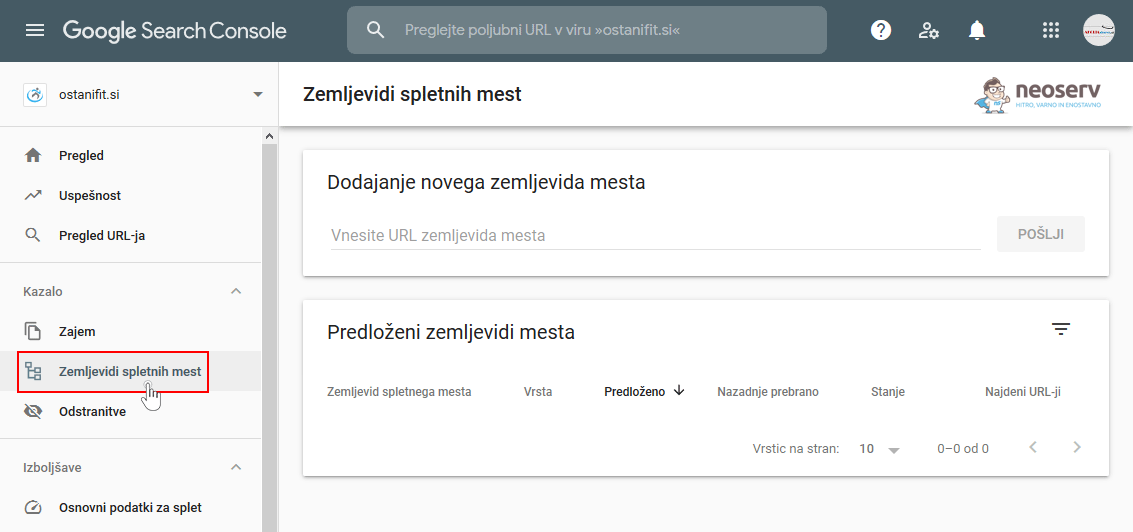
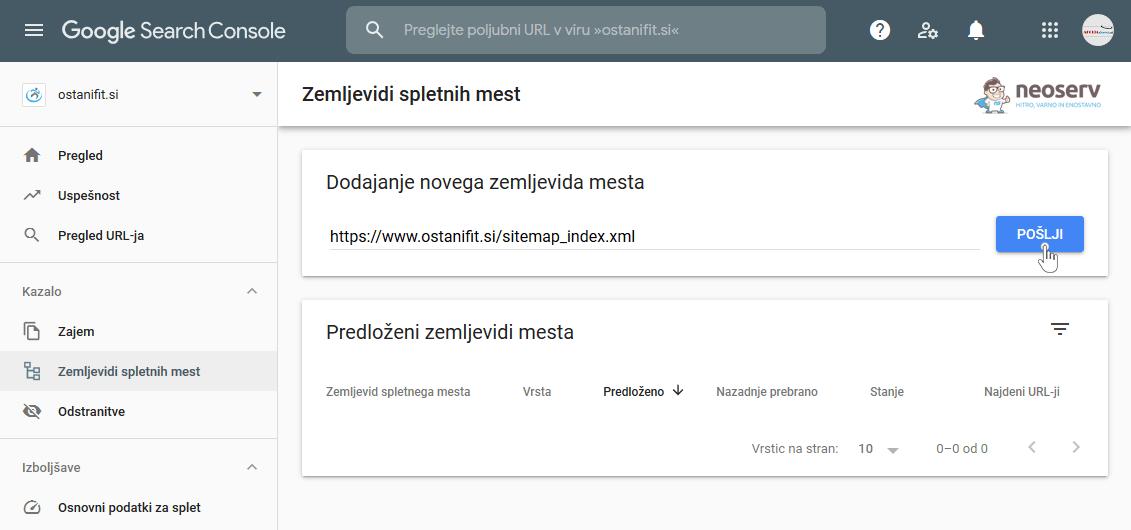
4. Enter the URL where the sitemap is located and click SUBMIT.
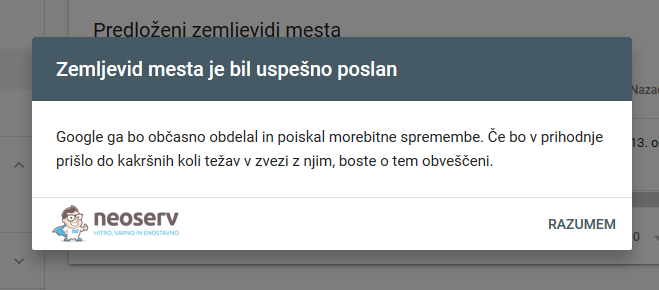
5. You will be notified that the site map has been successfully sent.
So, that’s it! Simple, isn’t it? As you can see in the image below, you now have a successfully submitted site map.
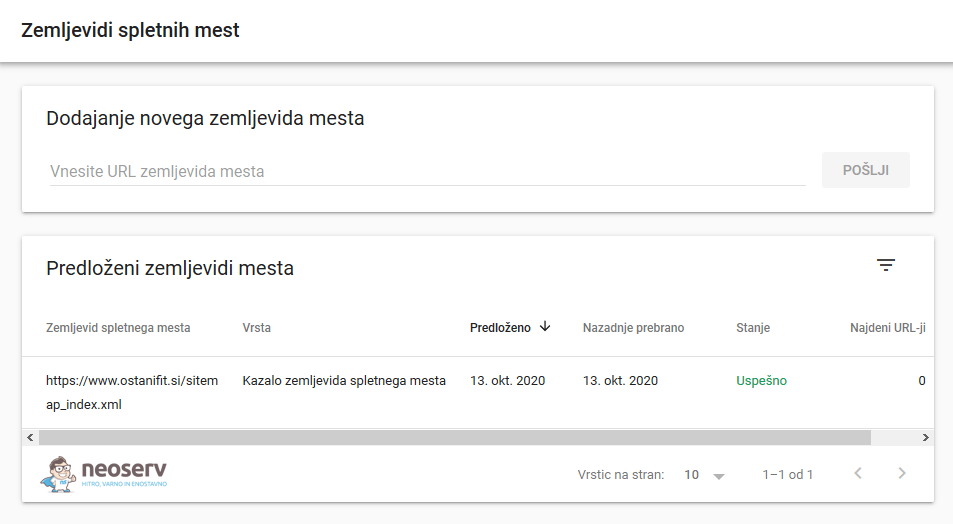
Clicking on it will show you further details:
- individual parts of the site map,
- an indication of when each part of the map was last read,
- the number of URLs found.
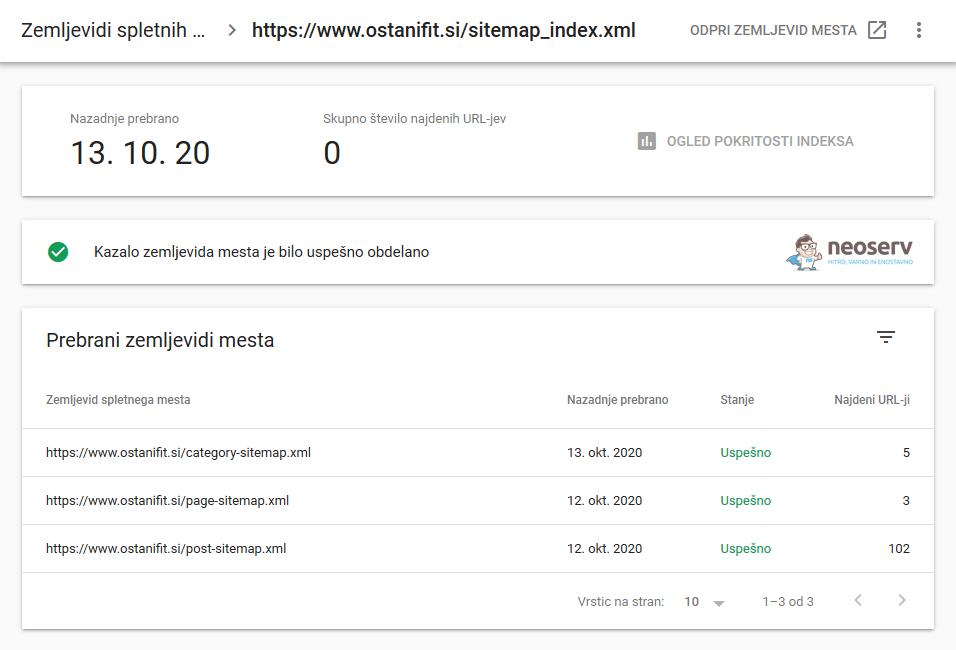
There will probably not be any URLs found immediately after entering the map, as Google’s web spiders need some time to visit and crawl your site. Your best bet is to go back to Google Search Console tomorrow and check the status again.
Finally, if you have a dynamic sitemap (e.g. if you use WordPress, where a plugin keeps the sitemap up-to-date), you don’t need to add it to Google Search Console over and over again. Spiders will regularly visit the URL where your map is located, which means that they will be informed about new subpages, images, etc. that you subsequently add to your website.
You can also find out more about creating and using a sitemap on Google’s website: https://developers.google.com/search/docs/advanced/sitemaps/overview
COMMENT THE POST
Your comment has been successfully submitted
The comment will be visible on the page when our moderators approve it.