


- Your cart is currently empty.
Free Tool for Cleaning Email Lists
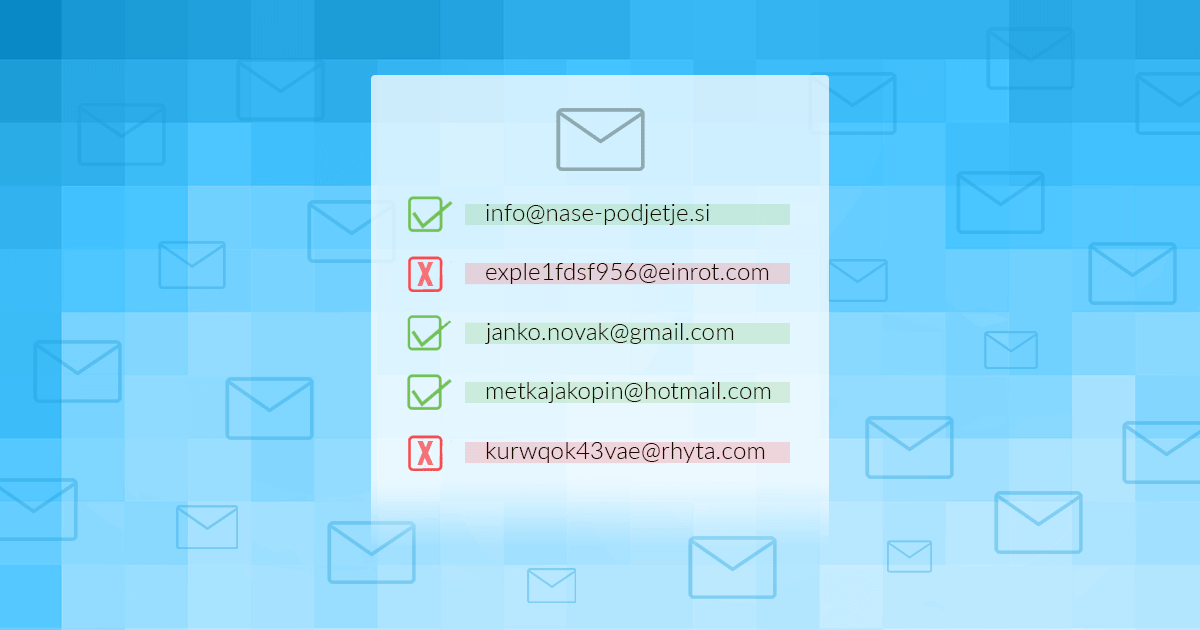

Anyone involved in email marketing probably knows that maintaining a high percentage of successfully delivered emails is becoming increasingly difficult. Due to the number of fake and invalid email addresses and the stricter rules of email service providers, more and more messages end up in spam or are not delivered at all. Even those that are otherwise perfectly legitimate.
If you collect email addresses on your website, simply signing up to the newsletter twice will not be enough. Even then, your list may contain SPAM emails that will have a negative impact on deliverability. Frequent sending to non-existent and fake email addresses will result in you being blacklisted, which will significantly reduce the effectiveness of your email campaigns.
Read more about how to increase email deliverability in our posts:
Today we’ll show you how to scan your email list for free and automatically filter out all non-existent and bogus emails. This will leave only real users on your list, which will also improve the deliverability of your emails.
According to the latest NeverBounce study, which checked the validity of more than 40 million email addresses, 3.22% of B2C addresses were invalid, while the figure for B2B addresses was 21.07%. B2C addresses included email inboxes of email service providers such as Gmail, Yahoo and Hotmail, while B2B addresses included email inboxes of domains of individuals and companies.
If your email list contains only 10% invalid email addresses, less than 44% of emails will be delivered successfully. (source)
Checking your email list with DeBounce
DeBounce is a fast, accurate and affordable email verification solution. It allows companies to filter out invalid email addresses from their databases. If you use your favourite ESPs to send your emails, DeBounce easily connects to them and passes your lists on for verification.
Here are some of the key benefits of DeBounce:
- Bulk Email Validation.
- Bulk Email Validation API.
- List Monitoring.
- Lead Finder.
- Data Enrichment.
- WordPress Email Validation.
- JavaScript solution for validating emails sent via web forms.
In addition to paid services, DeBounce also offers some free services. It offers a lifetime API for detecting short-lived email inboxes, which helps to combat fake and temporary sign-ups.
If you need a more sophisticated and complete email validation mechanism, you can also choose one of the paid plans. DeBounce has more than 900 positive reviews, which shows that subscribers are satisfied and that the team genuinely cares about each and every one of its customers.
Check your email list with MoonMail
MoonMail is a web-based application for email marketing. With it you can create new bulk email campaigns, create customer lists, import contacts, create any graphic template (or choose an existing one), edit your mailing automation and more.
In addition to all of the above, the web app also allows you to check and clean your mailing lists. The tool removes non-existent, temporary and fake emails from the list.
While the application is free to use, there are some limitations:
- You can submit up to 15 email addresses at a time in a simple .TXT format, with one email address per line.
- If you want to check several email addresses at once, you need to prepare a .CSV file.
- One .CSV file can be used to check a maximum of 250 email addresses at a time.
Does your email list include thousands or even tens of thousands of email inboxes? To use the free MoonMail app, you will need to split your list into several parts. Alternatively, you can opt for the paid version – in which case you can import your entire list at once into the online checker.
Validation process for the list of email addresses
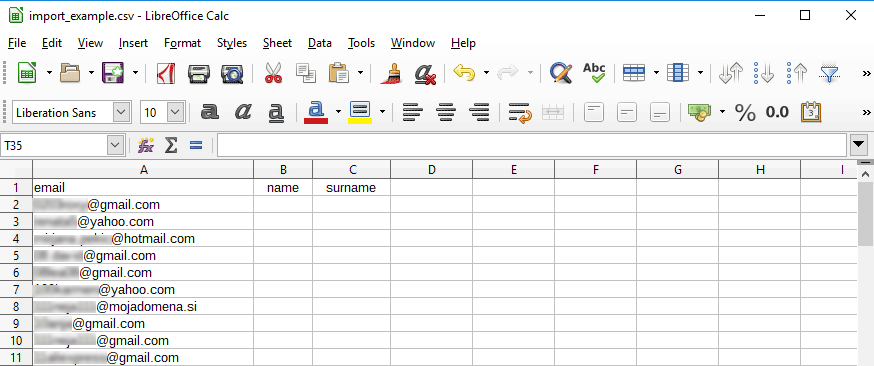
1. Prepare the list of email addresses in .CSV format. As shown in the figure below, the table should contain three columns: email, name, surname (in lower case).
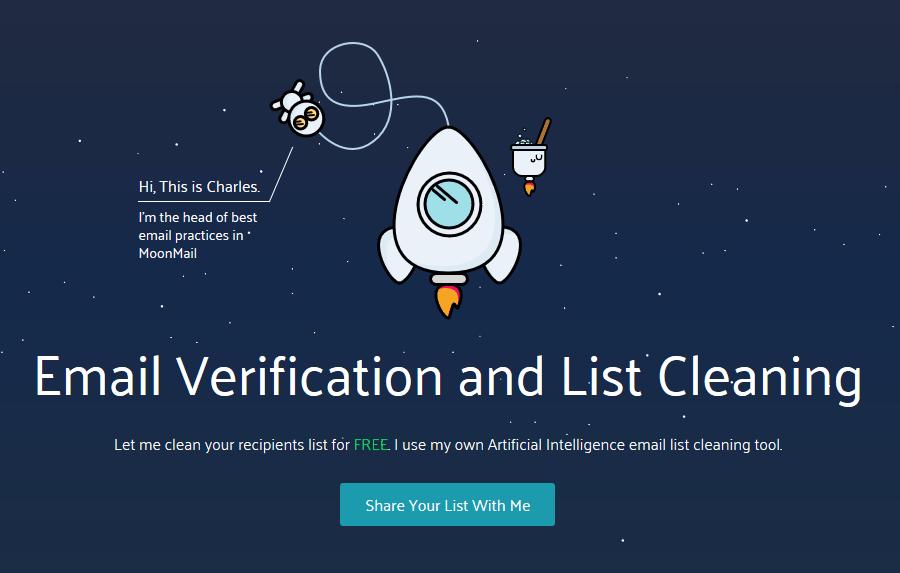
2. Visit the MoonMail Email Verification and List Cleaning link and click on the Share Your List With Me button.
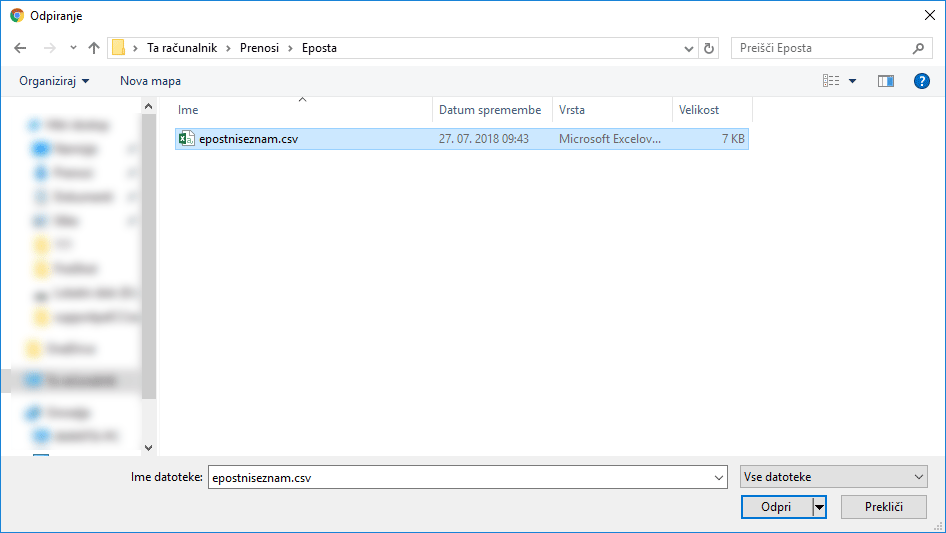
3. In the new window, select the .CSV file that contains your list of email addresses.
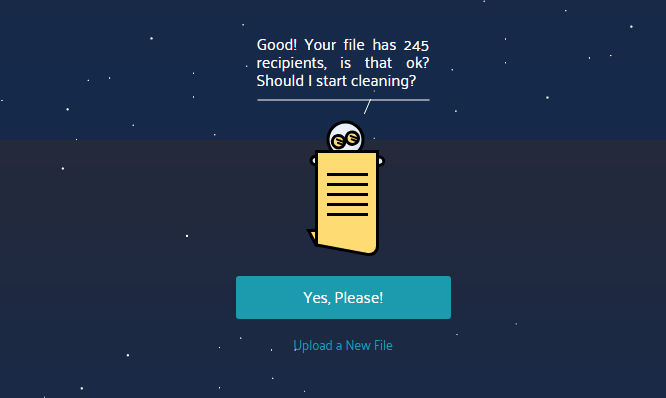
4. Click Yes, Please! to confirm your selection and allow the web application to start viewing and cleaning your list.
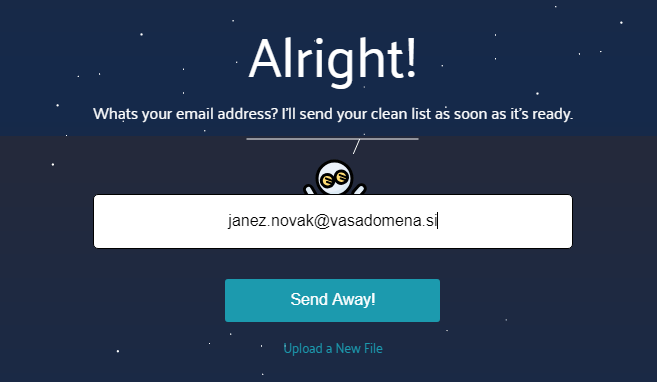
5. Enter your email address in the box to receive the cleaned list in a new .CSV file.
6. MoonMail will now start cleaning the list of email addresses you have provided. You will receive a cleaned list in your inbox within seconds.
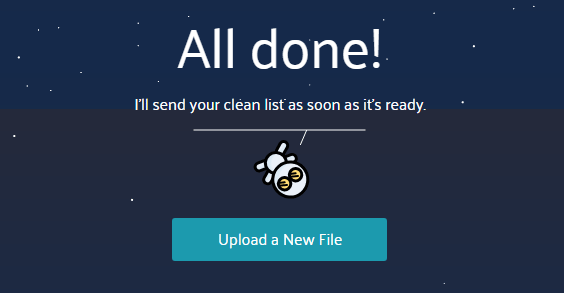
If you have split your entire list of email addresses into several .CSV files, you can click on the Upload a New File button to continue the validation process. As you can see, the whole process is very easy!
COMMENT THE POST
Your comment has been successfully submitted
The comment will be visible on the page when our moderators approve it.