


- Your cart is currently empty.
NEOSERV Studio: Changing the Editor Language
Search results for: ""
NEOSERV STUDIO is available in 18 language versions. Find out how to set up your preferred language to make editing and managing your website even easier.
- Sign up for NEOSERV STUDIO.
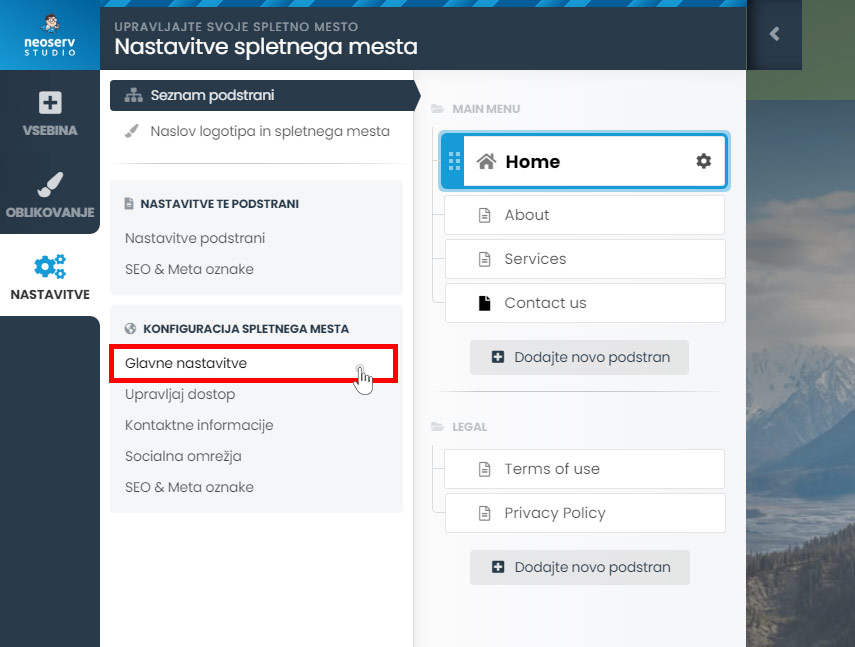
- Click on SETTINGS and under WEBSITE CONFIGURATION click on Main Settings.
- In the Language section, click on the Add More button and select the desired language.
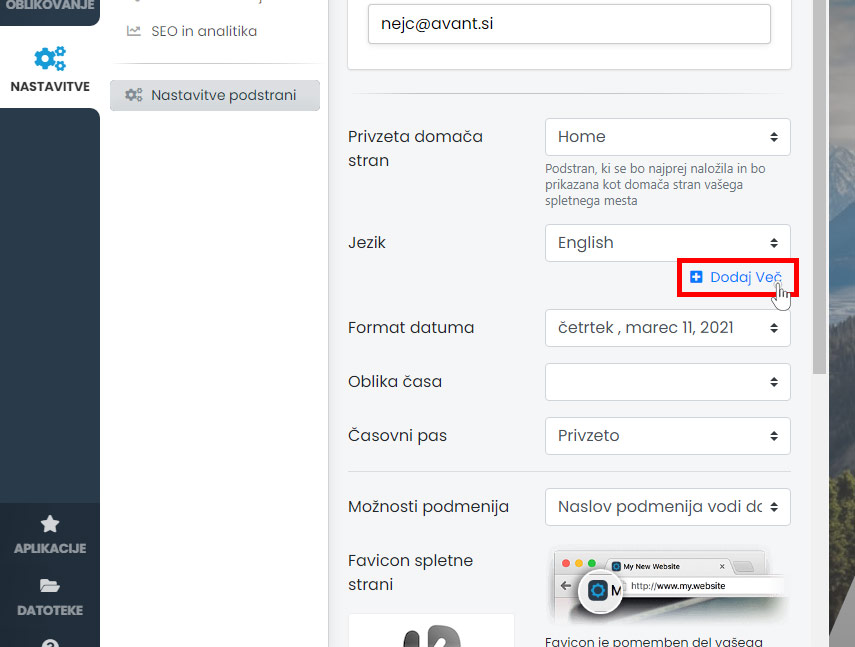
The NEOSERV STUDIO editor will automatically refresh and you will be able to start editing your website in the language you have chosen.
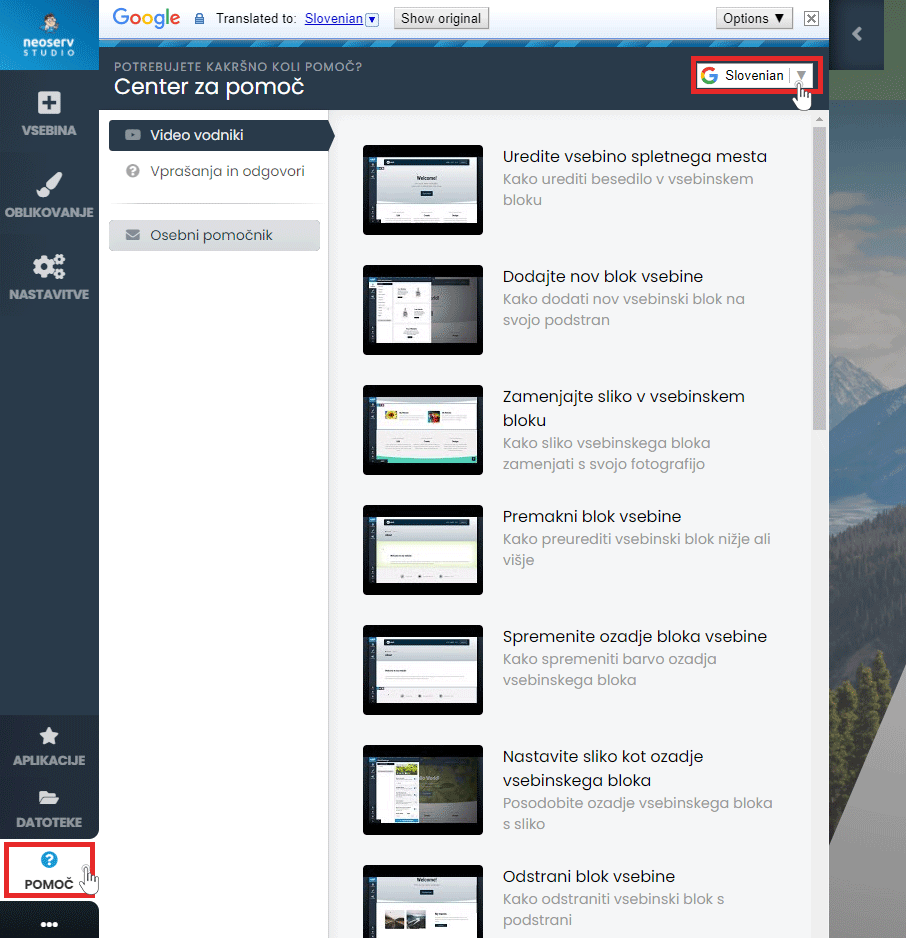
The Help Centre is also available to assist you in creating your page. Click on the Help button in the menu and select Video Guides or Questions & Answers. The content is also available in Slovenian.
For further assistance, please call us on 059 335 000 or email us at info@neoserv.si.

COMMENT THE POST
Your comment has been successfully submitted
The comment will be visible on the page when our moderators approve it.