


- Your cart is currently empty.
NEOSERV Studio: Adding Elements to the Website
Search results for: ""
In addition to the content already on the site, you can add a number of optional elements to make the site your own. The NEOSERV STUDIO editor has a whole range of tools for this.
In the CONTENT section, you have more than 100 different content blocks that allow you to:
- creating banner ads,
- the creation of content blocks,
- add videos, images and tables,
- creating calls to action (CTAs),
- adding links to social networks,
- etc.
Adding a single element to a page
In just a few steps, you can add a new element to a web page:
- Click on the CONTENTS button in the menu and click on the element you want to add in the desired section.

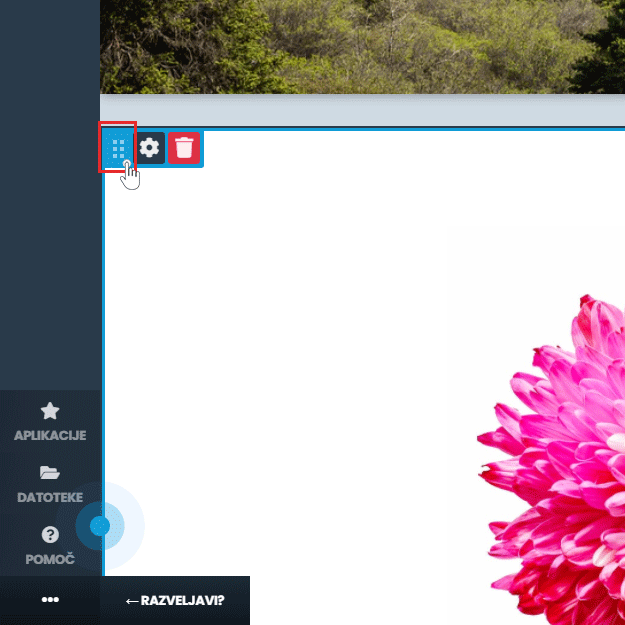
- Click on the six dots icon on the top left and drag and drop to move the item to the desired location on the web page.
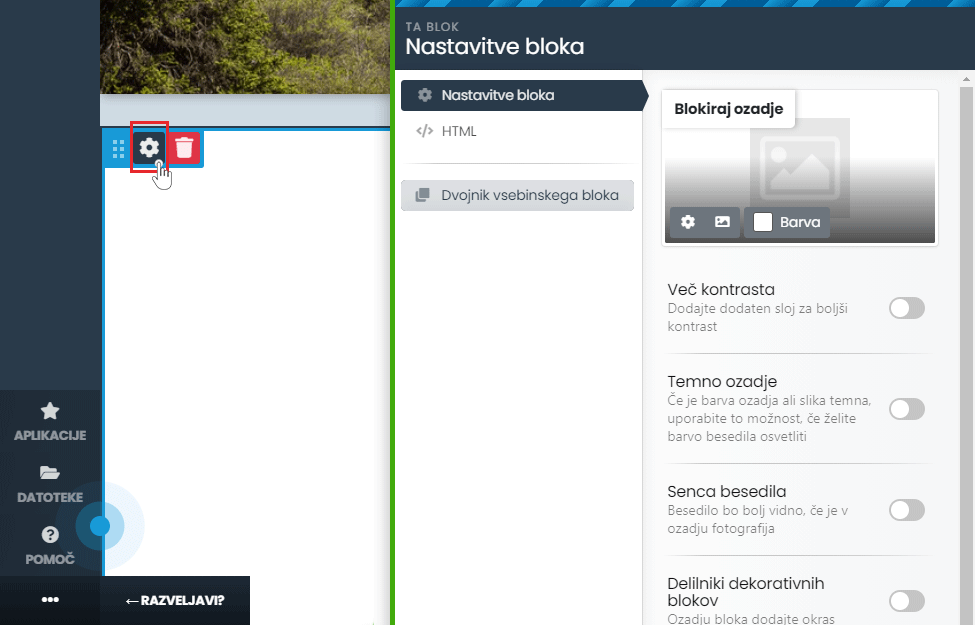
- Click on the Block Settings icon to edit the properties of the selected block and click on the Save Changes button.
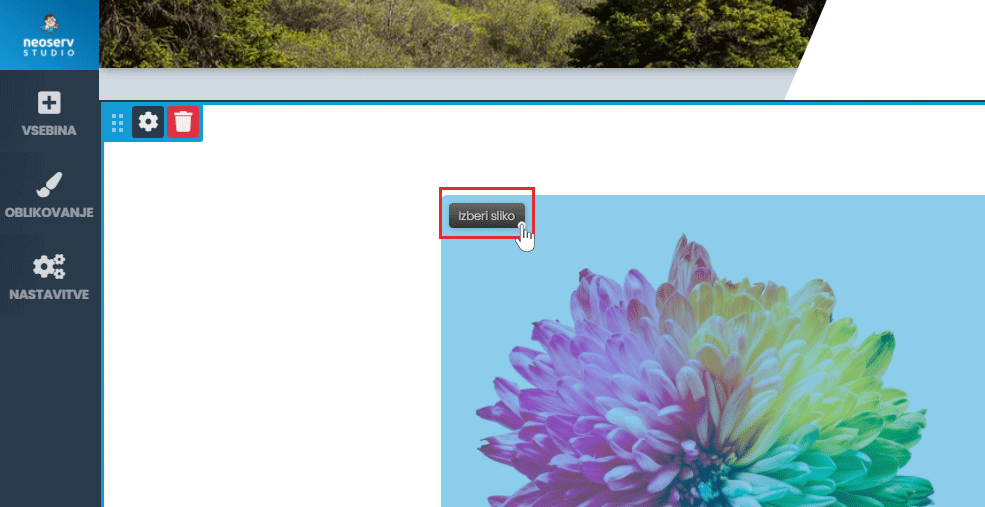
- By clicking on an element, you can edit or replace the desired element on the selected block.
By using and editing the blocks, you can create an effective website to your liking.

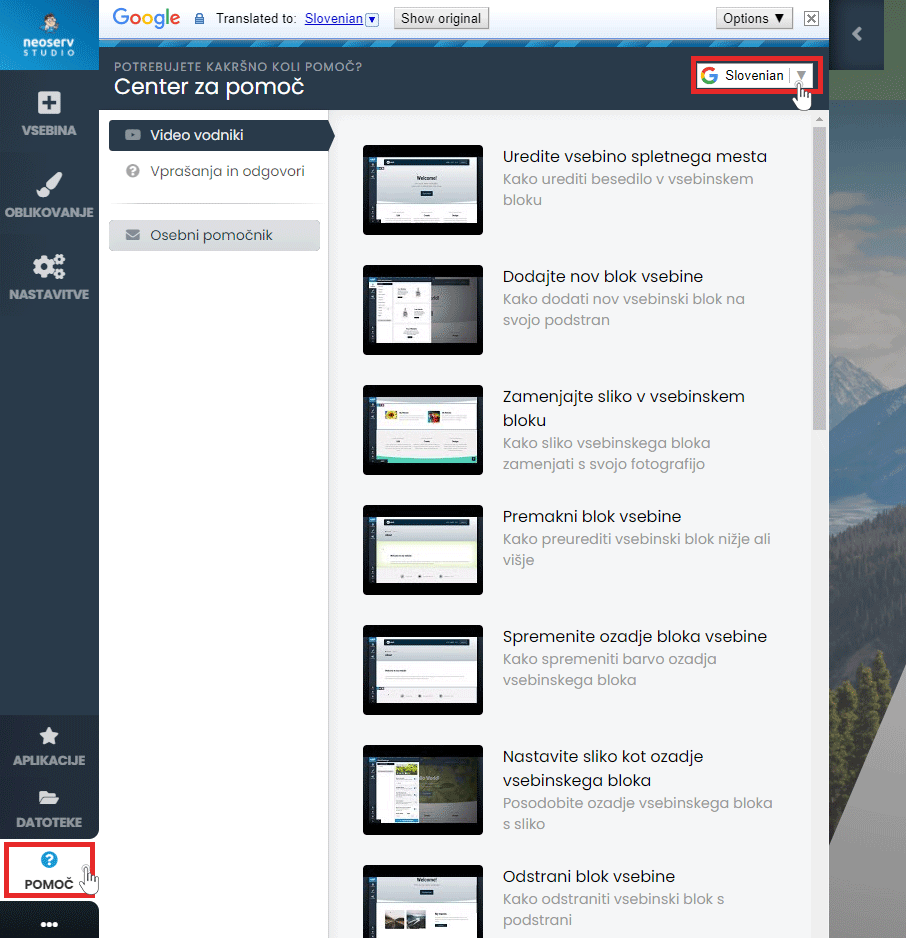
The Help Centre is also available to assist you in creating your page. Click on the Help button in the menu and select either Video Guides or Questions & Answers. The content is also available in Slovenian.
For further assistance, please call us on 059 335 000 or email us at info@neoserv.si.

COMMENT THE POST
Your comment has been successfully submitted
The comment will be visible on the page when our moderators approve it.