


- Your cart is currently empty.
NEOSERV Studio: Editing the Website Footer
Search results for: ""
Although the footer is located at the very bottom of the web page, it usually contains important information for visitors. It can be used as a secondary menu to help visitors move around the site and its subpages.
Each graphic template already contains predefined footer elements. These can be changed so that the footer is consistent with the overall look of your website.
The elements that can be found in the footer include:
- Contact details,
- menu,
- links to social networks (Facebook, Instagram, Twitter, …),
- other information (certificates, company tradition, etc.).
Editing elements in the footer
Scroll to the bottom of your web page and follow the steps below:
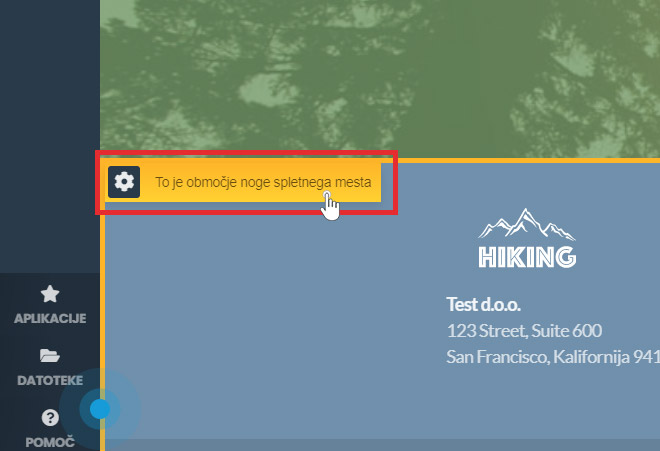
- Click on the gear icon and select the Block Settings section.
- You can set the image or background colour, dark background, text shadow and other settings that help to personalise your page.
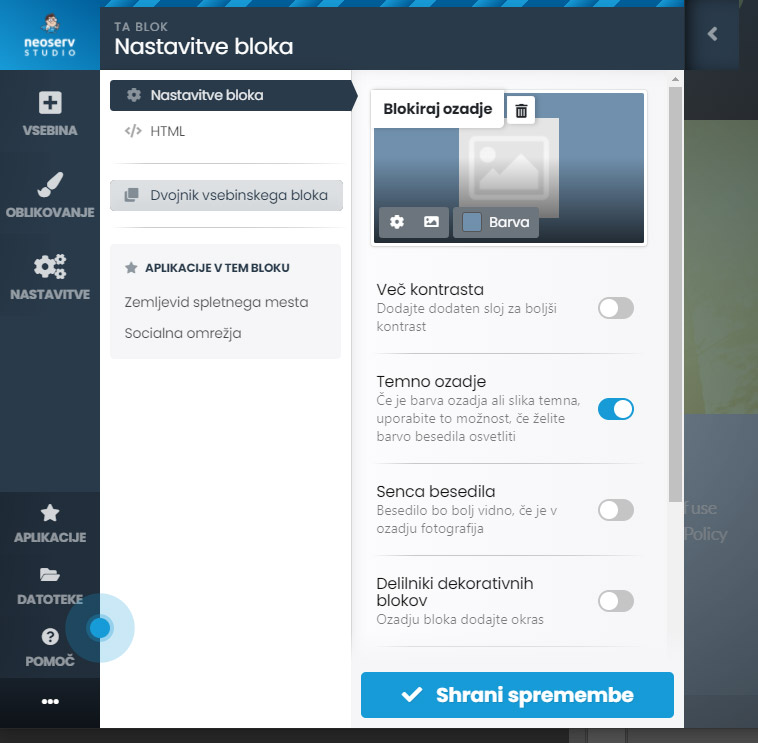
- Once you have set the desired properties, click on the Save Changes button.
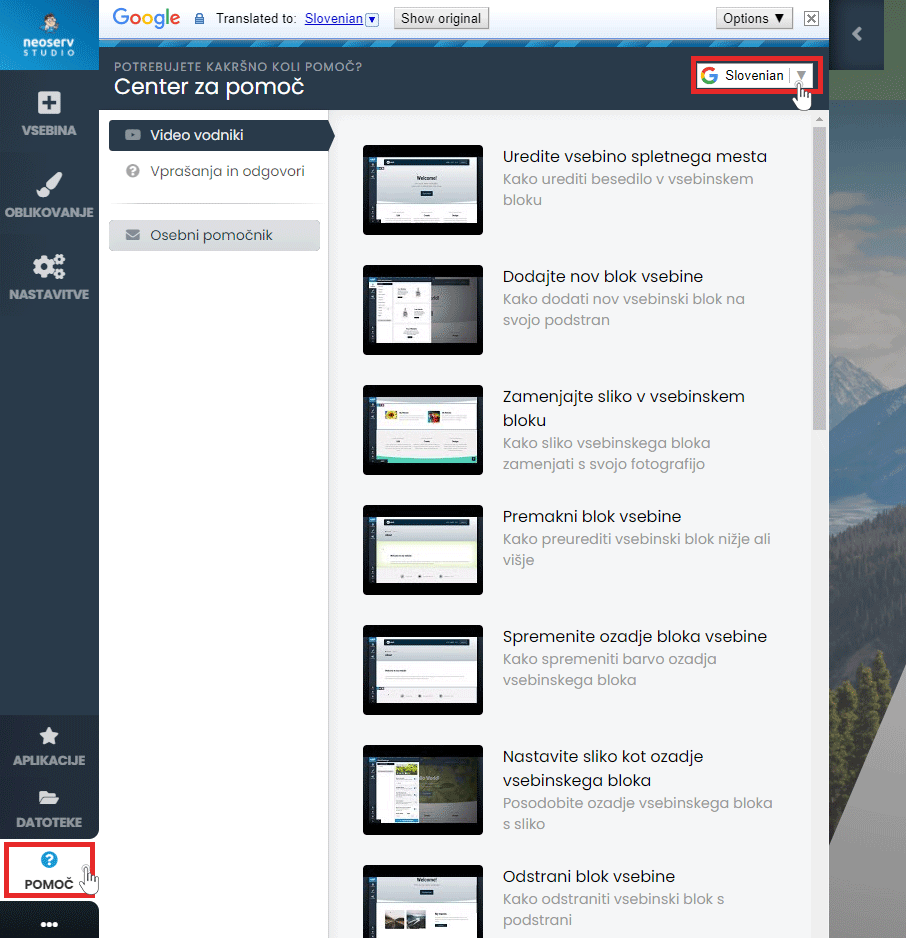
There is also a Help Centre available to assist you in creating your page. Click on the Help button in the menu and select either Video Guides or Questions & Answers. The content is also available in Slovenian.
For further assistance, please call us on 059 335 000 or email us at info@neoserv.si.

COMMENT THE POST
Your comment has been successfully submitted
The comment will be visible on the page when our moderators approve it.