


- Your cart is currently empty.
How to Fix a Website Flagged as Malicious or Compromised
Search results for: ""
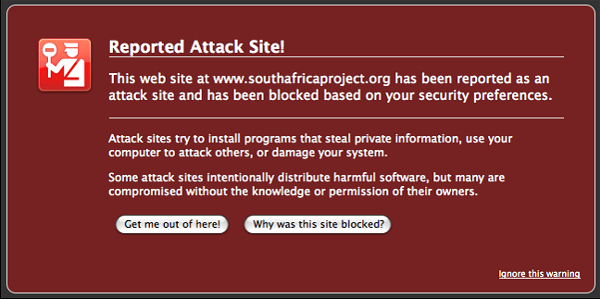
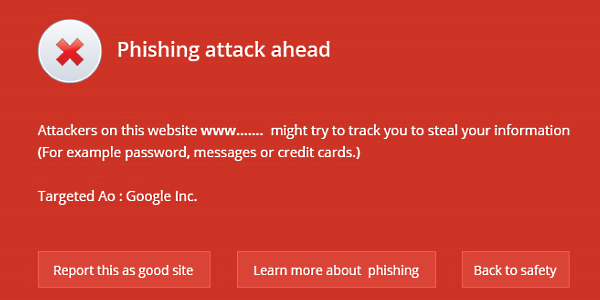
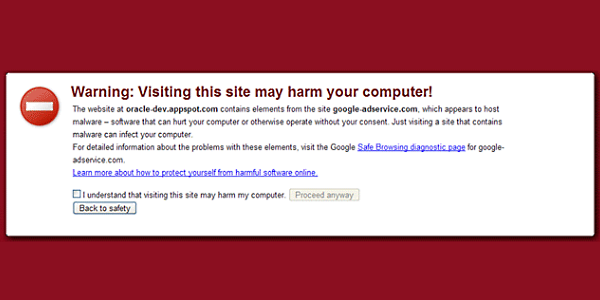
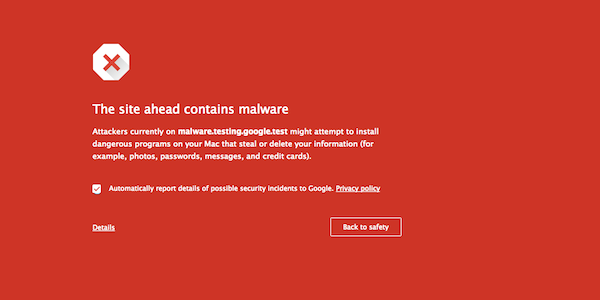
Instead of your website, have you received a warning that your website is offensive or dangerous, similar to the warnings in the images below? Find out how you can fix it:
- Clean your website of viruses and update/upgrade it if necessary. You can read more about how to do this, why it happened and how you can prevent it in the future here: My website has been attacked!
- Once your website has been cleaned and updated, you need to notify the search engines so that they can review your website and remove the notice of an attacking/offending website. Instructions and a link to request removal of the notice can be found here.
We are also always available by phone or email for any further questions.

COMMENT THE POST
Your comment has been successfully submitted
The comment will be visible on the page when our moderators approve it.