


- Your cart is currently empty.
Why Do My Emails Go to Spam and How to Prevent It

Did you know that more than 32 billion emails were sent every day in 2020? Not shocking at first glance, but more than 45% of these emails were unsolicited. Spam has been around since the beginning of email and, based on the trends, will be with us for a long time to come.
However, it is not only the recipients who have a problem with spam, but also the senders. If you have a business and your email address (e.g. info@podjetje.si) is misused, the recipients will often no longer trust the email address. Even if you send them a legitimate message from the above address, many users will not open it and, even worse, may report your email address as a SPAM sender.
Read more about spoofing the sender’s email address in Email Spoofing: spoofing the sender’s email address. See below to find out how to avoid your messages being spammed.
SPF, DKIM and DMARC security protocols
The first step is to set up the email authentication security protocols SPF, DKIM and DMARC.
SPF(Sender Policy Framework) is an email security protocol that allows the user to configure which email servers are used to send messages from their domain. If the message is not sent from an IP address that is implemented in the SPF record, the email authentication will fail. For this reason, online attackers often avoid domains that are protected by SPF.
DKIM (DomainKeys Identified Mail) is an email protocol that allows the domain owner to securely associate a domain name with an email message. Using DKIM, the email is encrypted before sending with a private key known only to the sender. The recipient, in turn, decrypts the message with a matching public key. This ensures the authenticity of the sender and the email message, which means fewer SPAM messages for the recipient.
DMARC (Domain-based Message Authentication, Reporting and Conformance) allows the domain owner to enter a DNS record with certain rules. DMARC, in combination with SPF and DKIM, reduces the chances of an e-mail message being spammed.
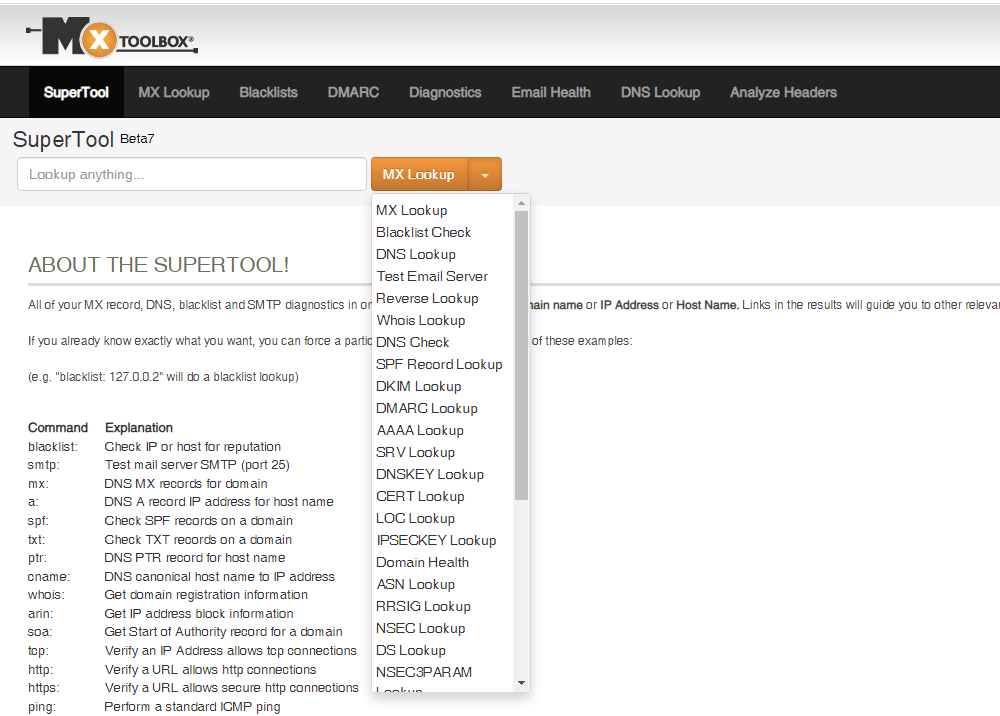
Once you have configured the security protocols, you can check their performance using the dedicated MXToolBox tool. Enter your domain name in the search box, select a security protocol from the drop-down menu and click the button.
To learn more about these protocols and how to set them up, see Why and how to set up SPF, DKIM and DMARC?
Improve deliverability with the Bayes anti-spam filter
Most email services (Gmail, Outlook, etc.) use a Bayesian anti-spam filter to determine whether a message is wanted or unwanted. This is based on Bayes’ theorem, developed by the English mathematician, theologian and philosopher Thomas Bayes.

The main advantage of this filter is that its algorithm takes into account new data. This means that the filter is constantly learning and determining which e-mails are spam and which are spam.
How do I adjust my emails to get through the Bayes anti-spam filter?
By following the points below, e-mails will successfully pass the Bayes filter. This means that you will further improve the deliverability of your emails:
- Send your emails via SMTP. Find out what this protocol is and how to set it up in the post Sending email: PHPMailer or SMTP?
- When creating messages, avoid words that are often part of SPAM messages (viagra, sex, etc.).
- Emails should contain a moderate number of web links, leading only to trusted sites.
- Limit your emails to no more than 30 messages per hour.
Problems sending emails with PHPMailer
In case your website is built in WordPress, Magento, Joomla, etc. CMS, then by default the emails are sent via PHPMailer, the PHP email sending library.
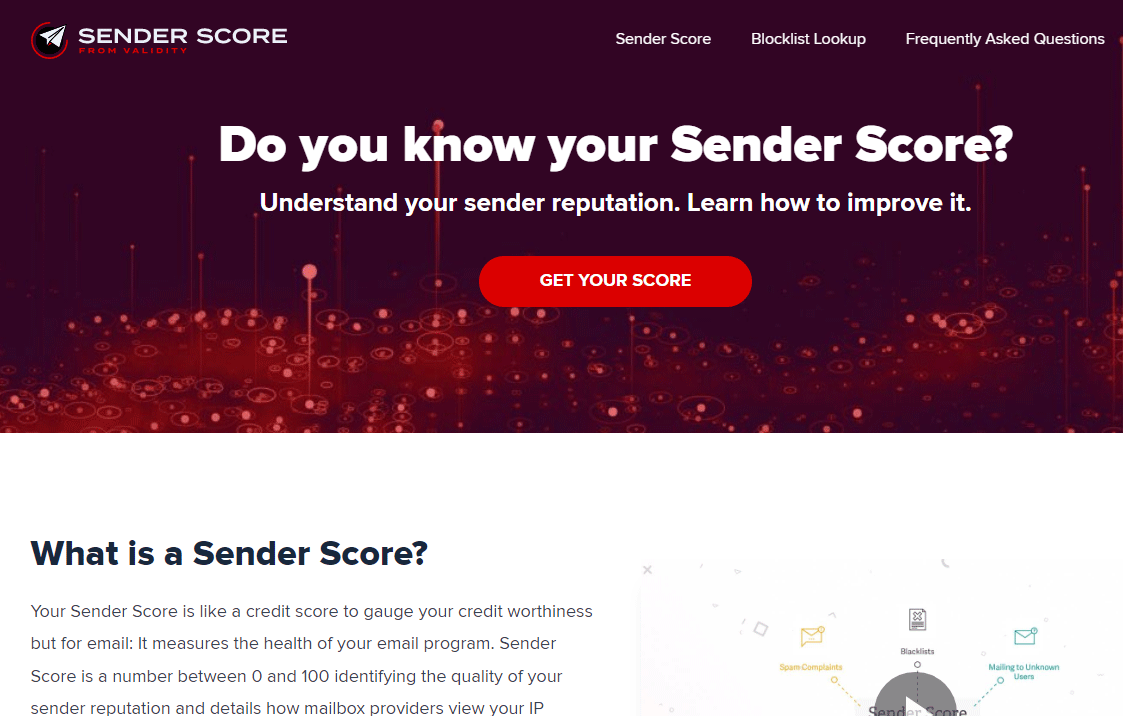
The problem with PHPMailer is that emails are sent without authentication. Why is this important? Because the biggest email providers take into account the reputation list when delivering messages. Google and Microsoft use Sender Score, which gives a score from 0 to 100. If you send via PHPMailer, the score will be low due to the lack of authentication.
You can remedy the problem by sending via SMTP, which allows outgoing emails to be authenticated. See the post Sending emails: PHPMailer or SMTP? to find out how to set up email sending if you have a website built in one of the WordPress, Joomla, Magento, OpenCart or PrestaShop CMS systems.
Sending multiple emails
You also need to be careful when sending a large number of emails, as not only the email address but the entire mail server can be blacklisted. Read more about how to send a large number of emails effectively in the post Effective and safe execution of an email marketing campaign.
If you have followed the steps above, you have certainly reduced the likelihood of your emails being spammed. Check the deliverability of your emails at mail-tester.com.
COMMENT THE POST
Your comment has been successfully submitted
The comment will be visible on the page when our moderators approve it.