


- Your cart is currently empty.
How to Log In to My NEOSERV
Search results for: ""
1. Visit the My NEOSERV client portal by clicking the link below:
2. Enter your login details (email and password), which you received by email together with the pro forma invoice after placing your order, and click the Sign in button.
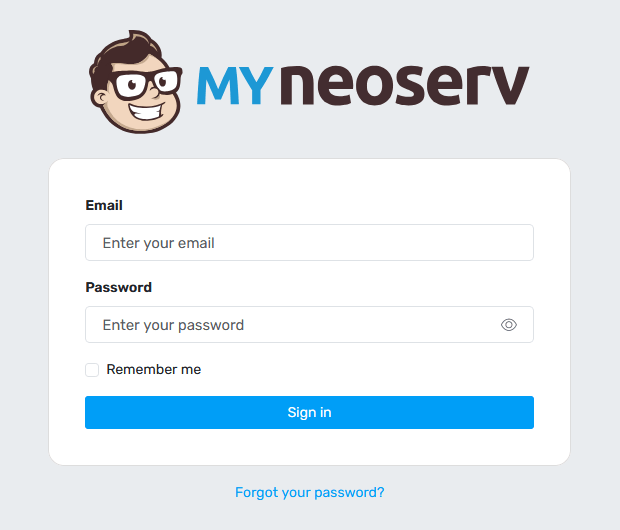
If you have additionally protected your login to the My NEOSERV client portal with two-factor authentication (2FA), you will need to enter a 6-digit code in the next step. You can obtain the code in the Google Authenticator app or a similar dedicated solution.
Can’t find your login details for My NEOSERV?
If you don’t remember your login details or can’t find the email containing them, click the link below the login form – Forgot your password?
You will be redirected to the password reset page. Enter the email address you used when purchasing a NEOSERV service and click the Send link button.
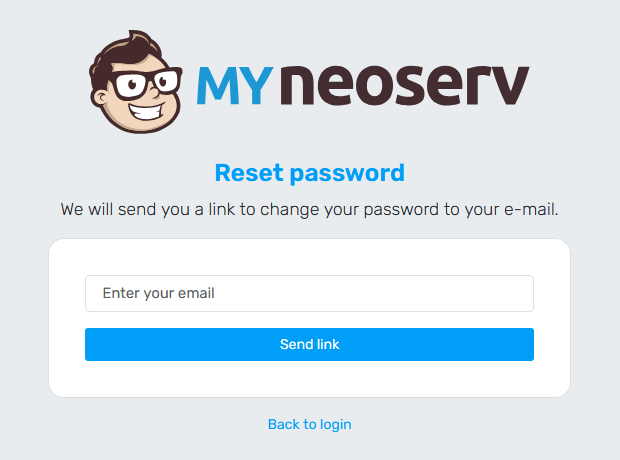
An email containing a link to set a new password to access the My NEOSERV client portal will be sent to your email address.
Need additional help? Call us at +386 59 335 000 or write to us at info@neoserv.com.

COMMENT THE POST
Your comment has been successfully submitted
The comment will be visible on the page when our moderators approve it.