


- Your cart is currently empty.
Why Wix Fails to Recognize My Domain
Search results for: ""
Have you linked your domain to Wix but it doesn’t recognise your domain? The first condition is that you have at least a Wix Premium Plan. Please check the other conditions below to fix the problem.
Four steps to activate your domain in Wix
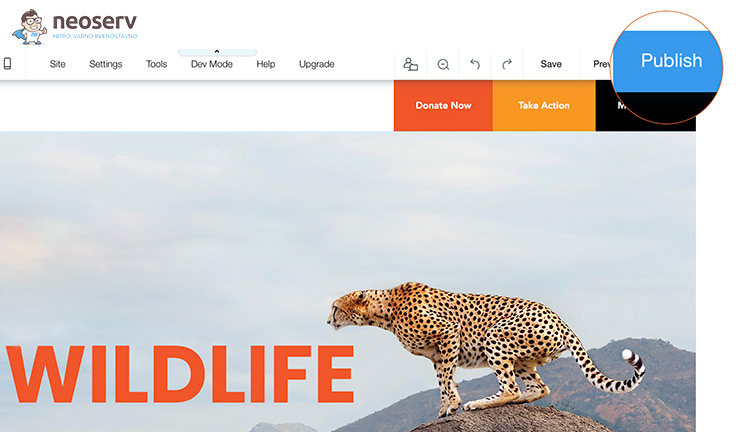
- First, check if your website is published. Log in to the Wix platform and click on the Publish button.
- Check if you have correctly linked your domain to the Wix platform. Instructions are available on our support page.
- Once you have connected your domain to Wix, you will need to wait up to 48 hours for the DNS servers to refresh.
- If after 48 hours you are still unable to access your website with the desired domain, please contact the Wix Domain Assistant and follow the next steps.
If you have any further questions, you can call us on 059 335 000 or email us at info@neoserv.si.

COMMENT THE POST
Your comment has been successfully submitted
The comment will be visible on the page when our moderators approve it.