


- Your cart is currently empty.
10 Most Read Help Center Guides of 2016


Since 2014, we’ve produced more than 162 support articles covering web hosting, domains, email, websites, the My NEOSERV Subscription Centre and the Before You Buy section. Let’s see which support articles you read the most in 2016.
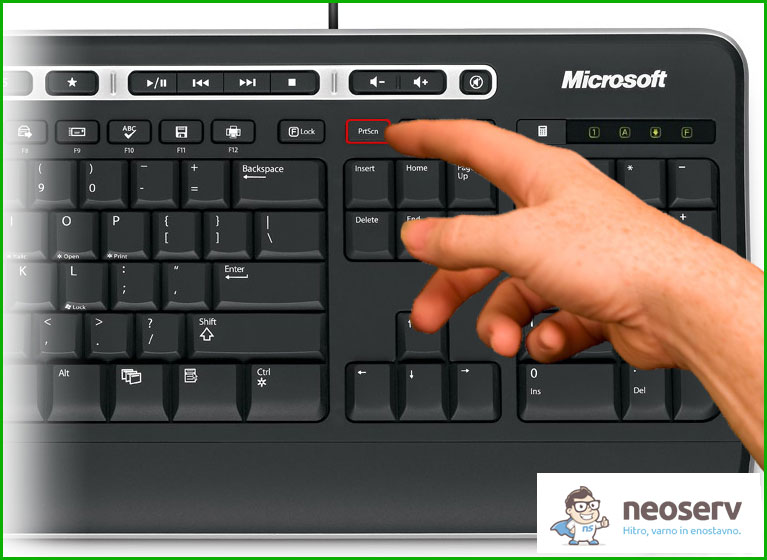
1. How do I capture a screen image(Print Screen)?
18% of all visitors who read posts on our support page last year read How to take a screen capture. In it, we showed you how you can do it in five easy steps.
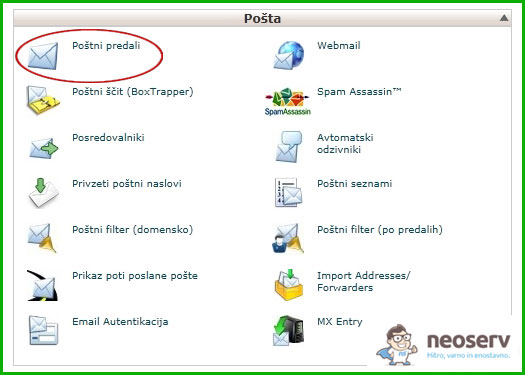
2. How do I create a new email inbox?
9% of all visitors in 2016 read How to create a new email inbox. We’ve explained the whole process in a few paragraphs, with the additional help of pictures, and included some useful tips.
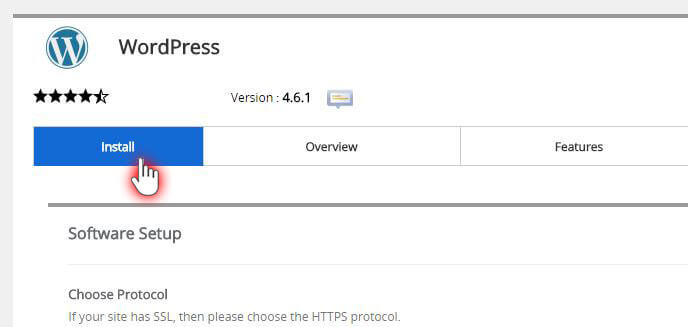
3. Set up a WordPress website in 1 minute
The post Setting up a WordPress website in 1 minute is divided into three parts. First, we explain what WordPress is, then we describe the three-step setup process, and finally we describe the settings. In this part, we take a closer look at everything from choosing a protocol and domain, setting up your website, user account and choosing a theme, to everything else needed to set up a WordPress site.
4. What is a domain?
As we are also in the business of selling domains, we have tried to give you as comprehensive and easy to understand an explanation as possible of what a domain is. In addition to the definition of a domain itself, we’ve looked at how it’s made up, how you can become a domain owner and what DNS records are.

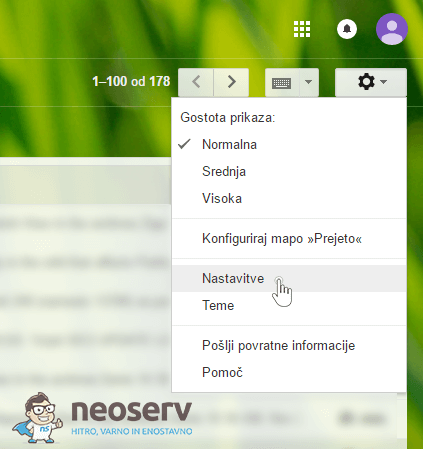
5. Redirecting and adding an email account to Gmail
We have prepared instructions on how you can redirect additional e-mail accounts to Gmail. First, we have described how to transfer e-mail via POP protocol and redirect it to Gmail, and finally how to set up e-mail sending.
6. Adding an e-mail account to Outlook 2007 (slo) – POP3, without SSL
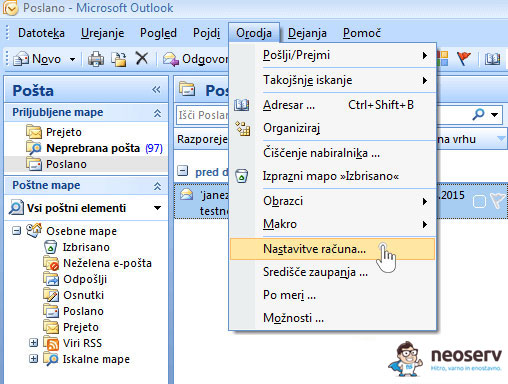
We have written 83 articles on adding an e-mail account to different e-mail programs. The most read of them all was Adding an e-mail account using POP3 protocol, without SSL certificate installed, in the Slovenian version of Outlook 2007.
7. What is an Added Domain / Parked Domain / Subdomain?
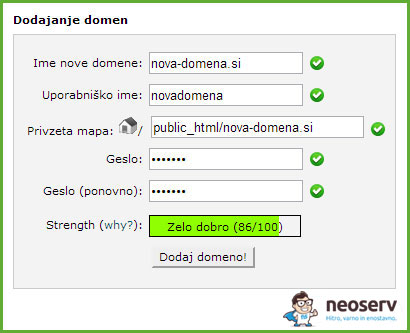
In this article we explain what the terms added domain, parked domain and subdomain mean and when to use each type. We also described how to add each type of domain in the cPanel control panel.
8. Adding an email account in Android Mail – POP3, no SSL
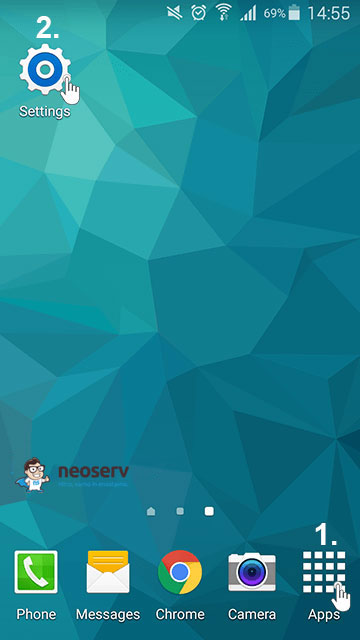
Another post on the topic of adding an e-mail account was one of the 10 most read in 2016. In 10 steps, we explain how to add an e-mail account to the English version of Android Mail with the help of a picture.
9. What is Webmail and how do I access it?
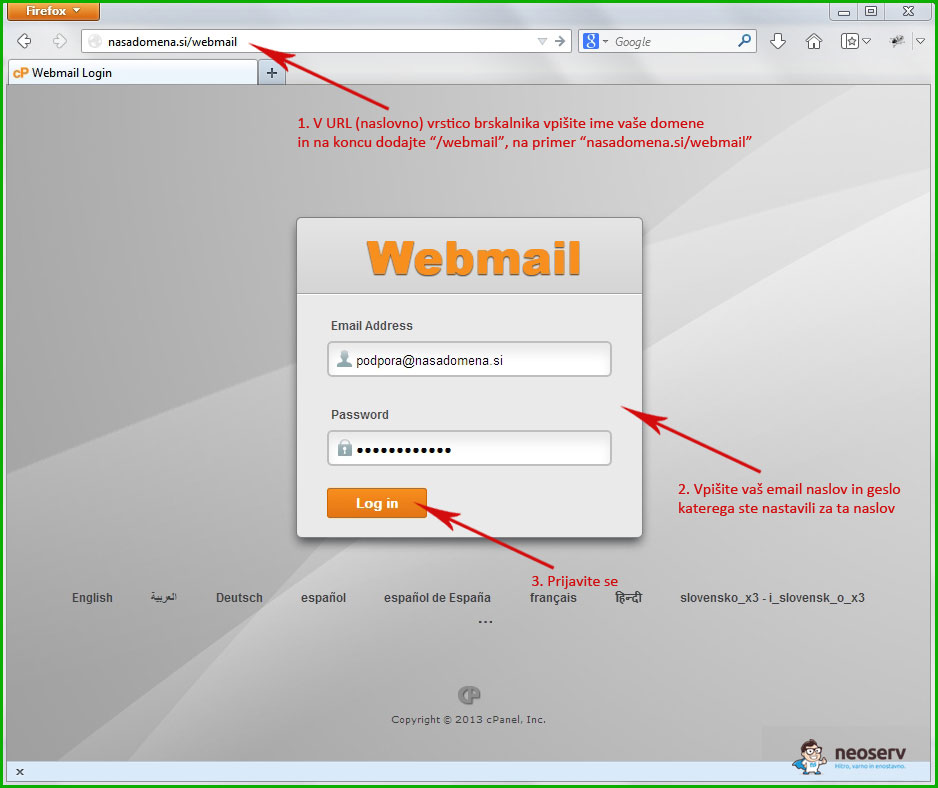
We’ve also given you the answer to what Webmail is and how you can log in to the Webmail interface in three easy steps.
10. MySQL Database
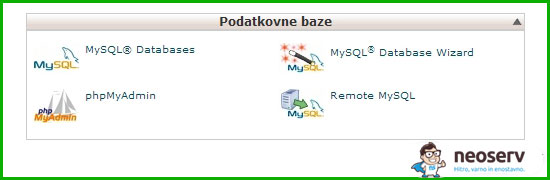
We delved into another area related to our services, the MySQL database. We answered questions about what a database is, how to create one, how it is used in practice, how to connect it to your website and how to access its content.
We hope you found the articles helpful and that you will continue to read the new publications in 2017. If you are unable to find a solution among the existing posts on our support page, we are also available to you via email at info@neoserv.com.
COMMENT THE POST
Your comment has been successfully submitted
The comment will be visible on the page when our moderators approve it.